- First Name
- Tom
- Joined
- Jun 7, 2021
- Threads
- 34
- Messages
- 794
- Reaction score
- 916
- Location
- Los Angeles Metro
- Vehicle(s)
- 2021 Bronco Sport
- Thread starter
- #1
This is for 21-24 Sync 3.4 vehicles equipped with factory Navigation. If you have a 2025 vehicle, you are running SYNC 4 and cannot install this update.
Before updating, make sure you are running Sync 3.4 Build 23188 or higher.
To check:
On center screen
Tap Settings
Scroll left or right to General
Tap General
Scroll down to About SYNC
Tap on About SYNC
If not, view link.
https://www.broncosportforum.com/forum/threads/sync-3-4-build-23188-is-the-current-version.11594/
Ford offers 3 years of navigation map update opportunities at no charge. Each download is a one time download. This means you can only download each year’s update one time. Each navigation map update, directly from Ford, is tied to the vehicle’s VIN.
This is my fifth update for my 21 OB. Ford is charging me $109 for the digital download. A preloaded USB version, includes a USB flash drive and shipping, is $149.
This update includes new maps and updated Gracenote version. To get this update use the following:
https://syncnavigation.com/ford/home
This is a large download to your Windows device or your Mac. Make sure you have a fast reliable connection. It may take over an hour to complete. My download took 7 minutes. Make sure your device does not go into sleep mode. FOLLOW INSTRUCTIONS.
You will need a USB-A or USB-C flash drive that is 16GB or larger. The flash drive will need to be reformatted to exFAT. Make sure you are using a quality USB flash drive. Ford recommends a flash drive supporting USB 3.0 or higher.
FOLLOW INSTRUCTIONS and copy files to USB flash drive. This may take up to an hour. Mine took 50 minutes.
We may now be at 2 hours.
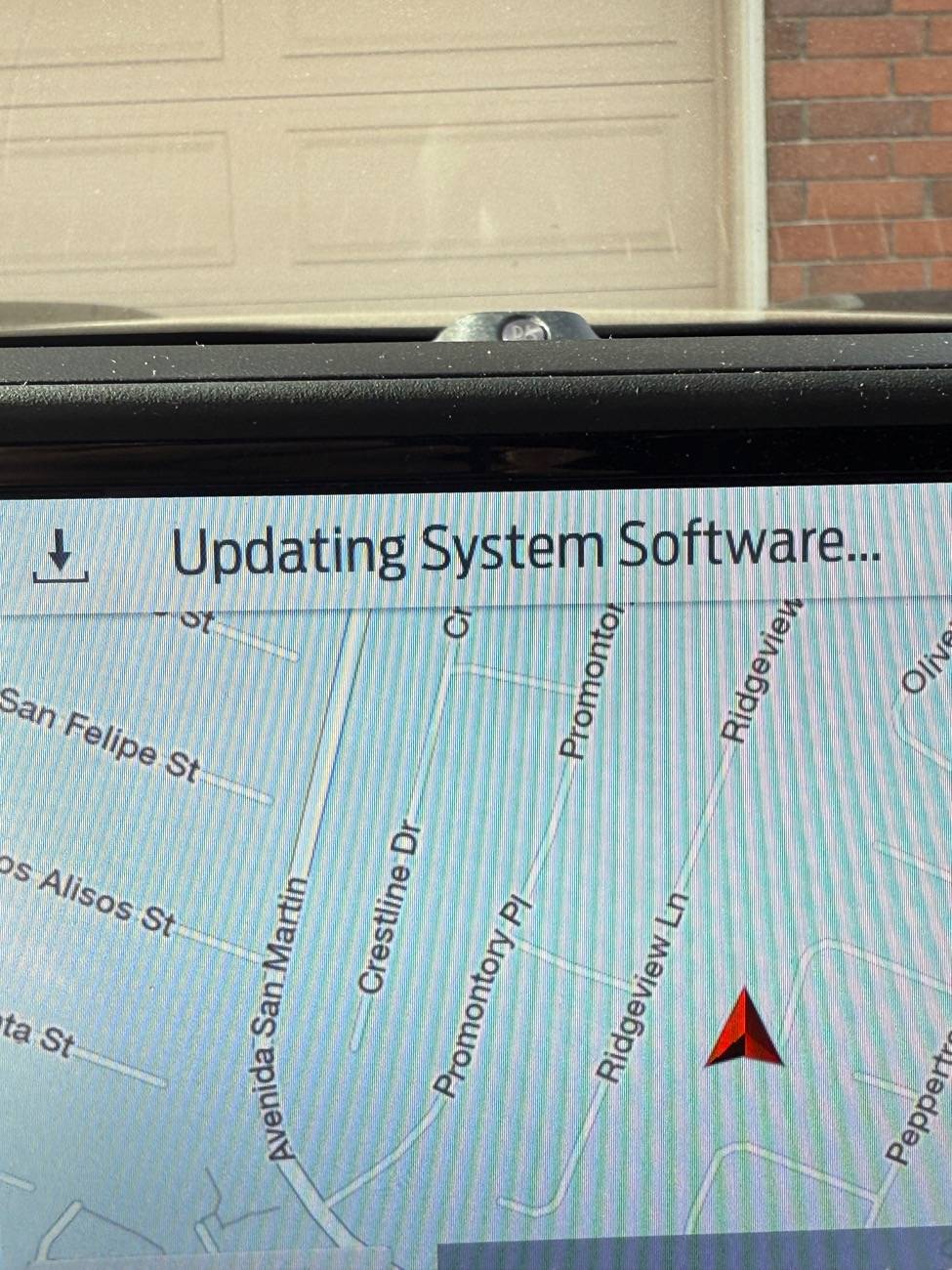
Time to update the vehicle. This may take an additional hour. Mine took 35 minutes. Plan when taking a long drive. The vehicle must be running the entire time.
Remove any USB cables from the ports.
Insert the flash drive in the ports under the climate controls. FOLLOW ON-SCREEN INSTRUCTIONS
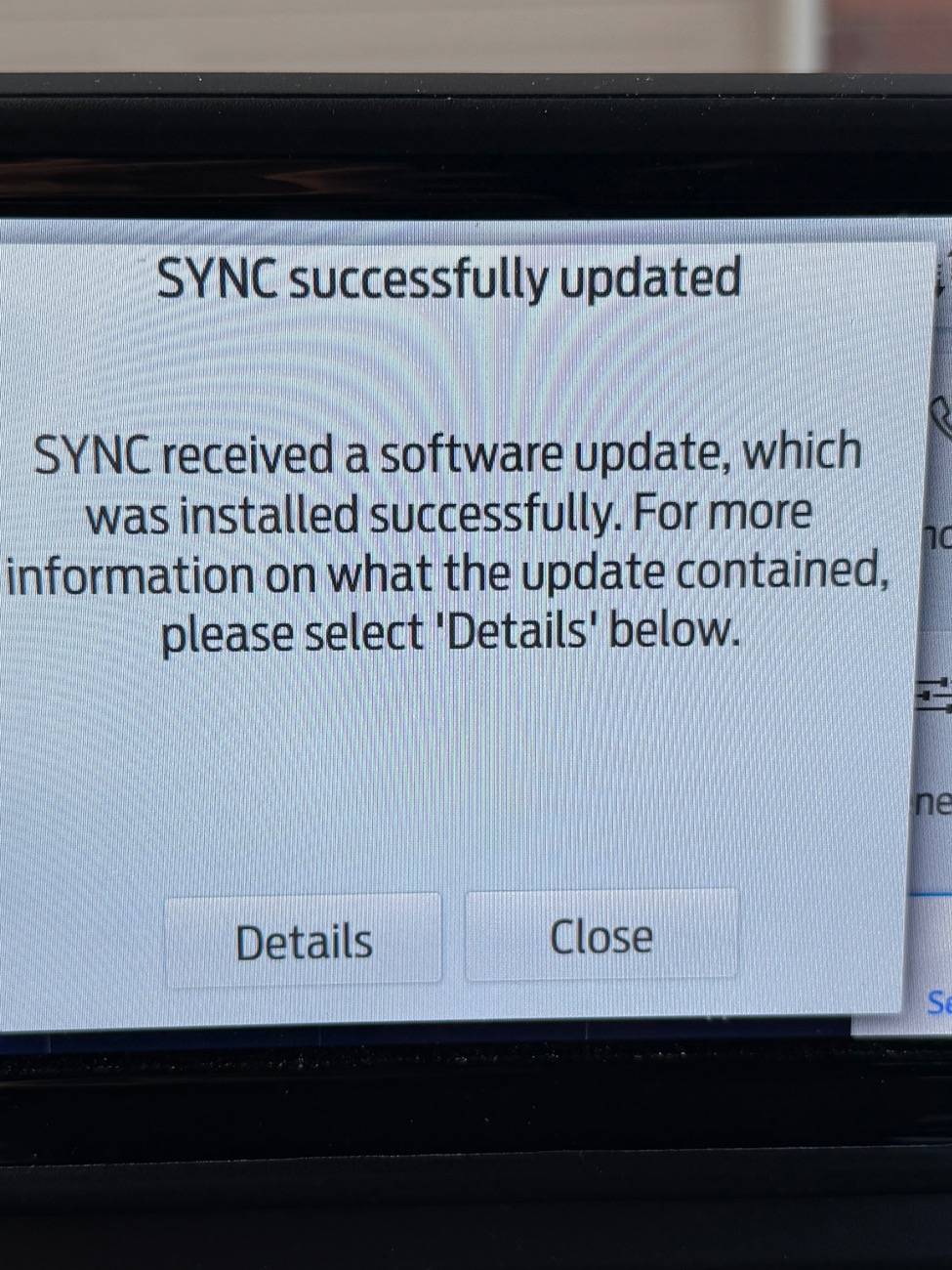
Do not remove the flash drive. Do not turn off the engine. Follow on screen instructions.
This may take around an hour to complete.
My Nav Maps are now NA 2 24

Before updating, make sure you are running Sync 3.4 Build 23188 or higher.
To check:
On center screen
Tap Settings
Scroll left or right to General
Tap General
Scroll down to About SYNC
Tap on About SYNC
If not, view link.
https://www.broncosportforum.com/forum/threads/sync-3-4-build-23188-is-the-current-version.11594/
Ford offers 3 years of navigation map update opportunities at no charge. Each download is a one time download. This means you can only download each year’s update one time. Each navigation map update, directly from Ford, is tied to the vehicle’s VIN.
This is my fifth update for my 21 OB. Ford is charging me $109 for the digital download. A preloaded USB version, includes a USB flash drive and shipping, is $149.
This update includes new maps and updated Gracenote version. To get this update use the following:
https://syncnavigation.com/ford/home
This is a large download to your Windows device or your Mac. Make sure you have a fast reliable connection. It may take over an hour to complete. My download took 7 minutes. Make sure your device does not go into sleep mode. FOLLOW INSTRUCTIONS.
You will need a USB-A or USB-C flash drive that is 16GB or larger. The flash drive will need to be reformatted to exFAT. Make sure you are using a quality USB flash drive. Ford recommends a flash drive supporting USB 3.0 or higher.
FOLLOW INSTRUCTIONS and copy files to USB flash drive. This may take up to an hour. Mine took 50 minutes.
We may now be at 2 hours.
Time to update the vehicle. This may take an additional hour. Mine took 35 minutes. Plan when taking a long drive. The vehicle must be running the entire time.
Remove any USB cables from the ports.
Insert the flash drive in the ports under the climate controls. FOLLOW ON-SCREEN INSTRUCTIONS
Do not remove the flash drive. Do not turn off the engine. Follow on screen instructions.
This may take around an hour to complete.
My Nav Maps are now NA 2 24


Last edited: