Sync 3.4 Navigation Map Update NA 2 24 Now Available with Instructions

thomasm23

Outer Banks
Well-Known Member
First Name
Tom
Joined
Jun 7, 2021
Threads
33
Messages
704
Reaction score
773
Location
Los Angeles Metro
Vehicle(s)
2021 Bronco Sport
This is for 21-24 Sync 3.4 vehicles equipped with factory Navigation. If you have a 2025 vehicle, you are running SYNC 4 and cannot install this update.

Before updating, make sure you are running Sync 3.4 Build 23188 or higher.

To check:
On center screen
Tap Settings
Scroll left or right to General
Tap General
Scroll down to About SYNC
Tap on About SYNC

If not, view link.

https://www.broncosportforum.com/forum/threads/sync-3-4-build-23188-is-the-current-version.11594/

Ford offers 3 years of navigation map update opportunities at no charge. Each download is a one time download. This means you can only download each year’s update one time. Each navigation map update, directly from Ford, is tied to the vehicle’s VIN.

This is my fifth update for my 21 OB. Ford is charging me $109 for the digital download. A preloaded USB version, includes a USB flash drive and shipping, is $149.

This update includes new maps and updated Gracenote version. To get this update use the following:

https://syncnavigation.com/ford/home

This is a large download to your Windows device or your Mac. Make sure you have a fast reliable connection. It may take over an hour to complete. My download took 7 minutes. Make sure your device does not go into sleep mode. FOLLOW INSTRUCTIONS.

You will need a USB-A or USB-C flash drive that is 16GB or larger. The flash drive will need to be reformatted to exFAT. Make sure you are using a quality USB flash drive. Ford recommends a flash drive supporting USB 3.0 or higher.

FOLLOW INSTRUCTIONS and copy files to USB flash drive. This may take up to an hour. Mine took 50 minutes.

We may now be at 2 hours.

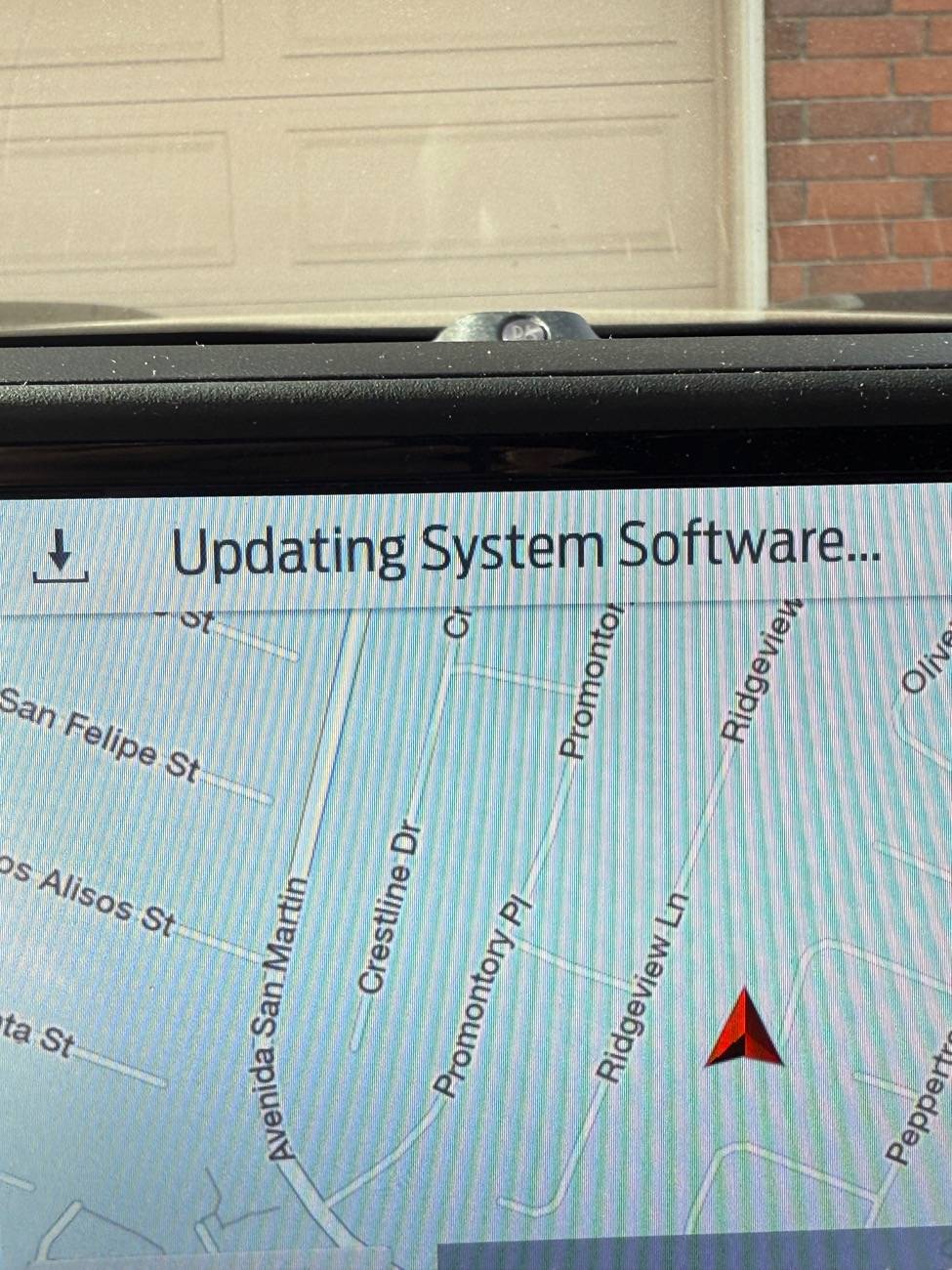
Time to update the vehicle. This may take an additional hour. Mine took 35 minutes. Plan when taking a long drive. The vehicle must be running the entire time.

Remove any USB cables from the ports.

Insert the flash drive in the ports under the climate controls. FOLLOW ON-SCREEN INSTRUCTIONS

Do not remove the flash drive. Do not turn off the engine. Follow on screen instructions.

This may take around an hour to complete.

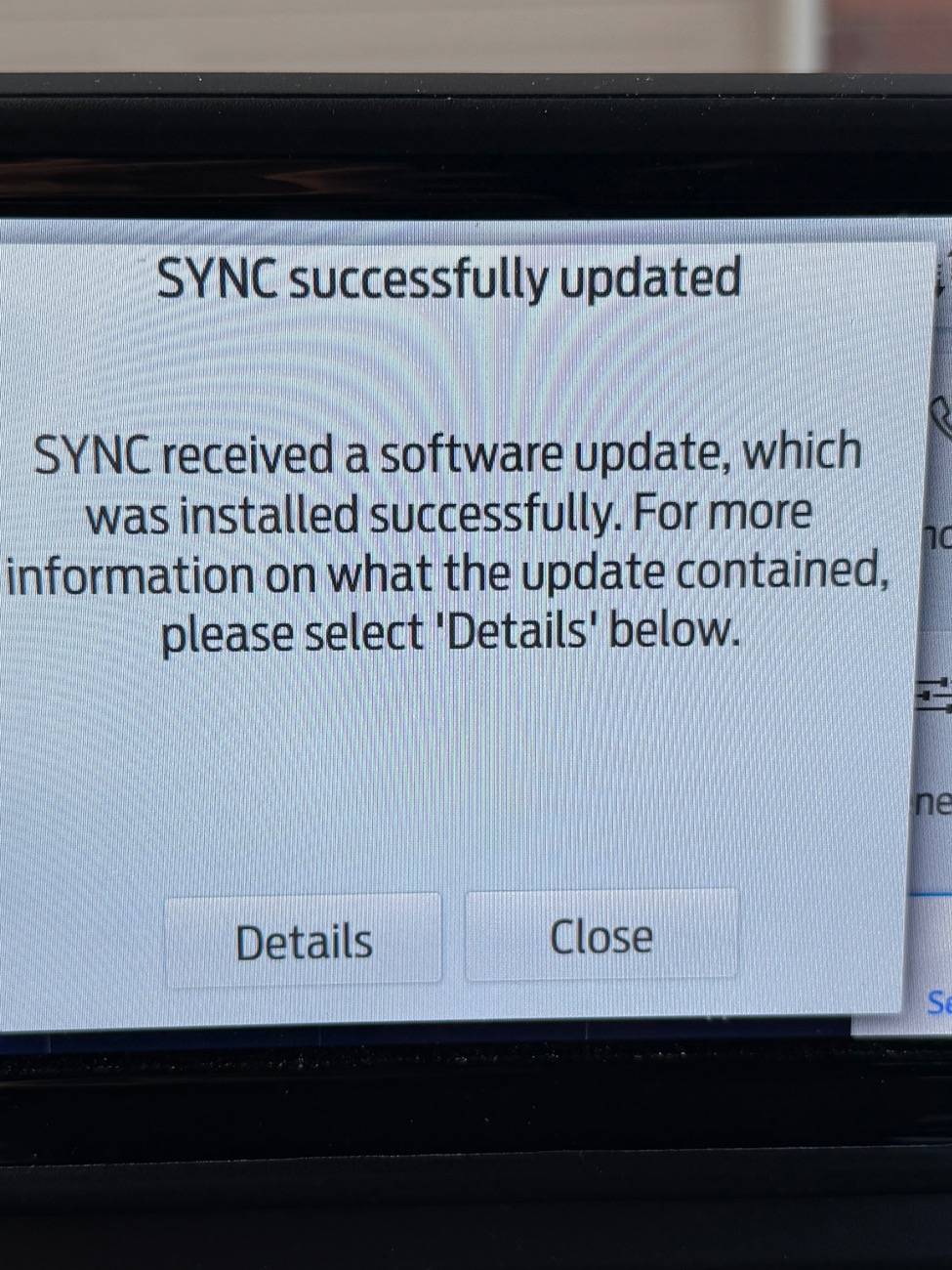
My Nav Maps are now NA 2 24

Ford Bronco Sport Sync 3.4 Navigation Map Update NA 2 24 Now Available with Instructions IMG_4852
Ford Bronco Sport Sync 3.4 Navigation Map Update NA 2 24 Now Available with Instructions IMG_4853
Ford Bronco Sport Sync 3.4 Navigation Map Update NA 2 24 Now Available with Instructions IMG_4854
Ford Bronco Sport Sync 3.4 Navigation Map Update NA 2 24 Now Available with Instructions IMG_4856
 
Last edited:

Dude

Badlands
Well-Known Member
Joined
Sep 20, 2022
Threads
108
Messages
4,339
Reaction score
5,007
Location
Arizona
Vehicle(s)
2022 Bronco Sport Badlands
Thanks for the details

Some owners stated they were given just one free Ford Navigation Update and unfortunately if you were promised 5 years of Navigation Map Updates for free like I was, Ford now states:
ā€œ5-year subscriptions are no longer availableā€

I have the 5 years of Navigation Map Updates documented from Ford (was not the dealership) so I might try to see if I can talk my way into another update (have received 3 updates for free) however I’m not that interested in yet another Navigation update since I don’t use the feature often.

https://www.broncosportforum.com/forum/threads/sync-3-4-navigation-maps-na-2-24-is-available-for-ā€˜21-ā€˜24-bronco-sports.15409/post-243729
 

Dude

Badlands
Well-Known Member
Joined
Sep 20, 2022
Threads
108
Messages
4,339
Reaction score
5,007
Location
Arizona
Vehicle(s)
2022 Bronco Sport Badlands
With Apple CarPlay and Android Auto, I see no need for Sync native apps and extortion fees for updates.
That’s true for you … however those in cell tower dead zones that forgot to download an offline map into Google, Waze, Apple Maps, Gaia, etc. may have a need for the Ford Navigation feature


Badlander1234

Badlands
Active Member
First Name
Frank
Joined
Jun 16, 2024
Threads
1
Messages
36
Reaction score
30
Location
Canada
Vehicle(s)
Bronco Sport
This is for 21-24 Sync 3.4 vehicles equipped with factory Navigation. If you have a 2025 vehicle, you are running SYNC 4 and cannot install this update.

Before updating, make sure you are running Sync 3.4 Build 23188 or higher.

To check:
On center screen
Tap Settings
Scroll left or right to General
Tap General
Scroll down to About SYNC
Tap on About SYNC

If not, view link.

https://www.broncosportforum.com/forum/threads/sync-3-4-build-23188-is-the-current-version.11594/

Ford offers 3 years of navigation map update opportunities at no charge. Each download is a one time download. This means you can only download each year’s update one time. Each navigation map update, directly from Ford, is tied to the vehicle’s VIN.

This is my fifth update for my 21 OB. Ford is charging me $109 for the digital download. A preloaded USB version, includes a USB flash drive and shipping, is $149.

This update includes new maps and updated Gracenote version. To get this update use the following link:

https://www.ford.com/support/sync-maps-updates/

This is a large download to your Windows device or your Mac. Make sure you have a fast reliable connection. It may take over an hour to complete. My download took 7 minutes. Make sure your device does not go into sleep mode. FOLLOW INSTRUCTIONS.

You will need a USB-A or USB-C flash drive that is 16GB or larger. The flash drive will need to be reformatted to exFAT. Make sure you are using a quality USB flash drive. Ford recommends a flash drive supporting USB 3.0 or higher.

FOLLOW INSTRUCTIONS and copy files to USB flash drive. This may take up to an hour. Mine took 50 minutes.

We may now be at 2 hours.

Time to update the vehicle. This will take an additional hour. Mine took 35 minutes. Plan when taking a long drive. The vehicle must be running the entire time.

Remove any USB cables from the ports.

Insert the flash drive in the ports under the climate controls. FOLLOW ON-SCREEN INSTRUCTIONS

Do not remove the flash drive. Do not turn off the engine. Follow on screen instructions.

This will take around an hour to complete.

My Nav Maps are now NA 2 24
Ford Bronco Sport Sync 3.4 Navigation Map Update NA 2 24 Now Available with Instructions IMG_4852
Ford Bronco Sport Sync 3.4 Navigation Map Update NA 2 24 Now Available with Instructions IMG_4853
Ford Bronco Sport Sync 3.4 Navigation Map Update NA 2 24 Now Available with Instructions IMG_4854
Ford Bronco Sport Sync 3.4 Navigation Map Update NA 2 24 Now Available with Instructions IMG_4856
After you updated your MAPS, did you lose your Navigation Favorites, Recents, etc? Did you experience any other NAV issues?
 

Mrmike

Outer Banks
Well-Known Member
First Name
Michael
Joined
Sep 18, 2022
Threads
60
Messages
807
Reaction score
987
Location
Syracuse, New York 13219
Vehicle(s)
'23 OBX, '20 Ecosport, '23 Kymco People S 150i ABS
I have a '23 Outer Banks. I have sync version 3.4 23188 and map version NA 2 23. I want to buy the USB version of NA 2 24 for my vehicle. I followed these threads and was told I could buy the USB for $40.00. It did not specify what version of maps it was. I don't want to buy another NA 2 23 again. Do you know of another source for this USB?
 

rocks

Badlands
Well-Known Member
First Name
Joe
Joined
Jun 12, 2023
Threads
65
Messages
1,423
Reaction score
2,142
Location
SC
Vehicle(s)
'24 Badlands '23 HR-V EX-L wife's
I have a '23 Outer Banks. I have sync version 3.4 23188 and map version NA 2 23. I want to buy the USB version of NA 2 24 for my vehicle. I followed these threads and was told I could buy the USB for $40.00. It did not specify what version of maps it was. I don't want to buy another NA 2 23 again. Do you know of another source for this USB?
2.24
I bought the USB update but haven't loaded it yet.
 

Dude

Badlands
Well-Known Member
Joined
Sep 20, 2022
Threads
108
Messages
4,339
Reaction score
5,007
Location
Arizona
Vehicle(s)
2022 Bronco Sport Badlands
I have a '23 Outer Banks. I have sync version 3.4 23188 and map version NA 2 23. I want to buy the USB version of NA 2 24 for my vehicle. I followed these threads and was told I could buy the USB for $40.00. It did not specify what version of maps it was. I don't want to buy another NA 2 23 again. Do you know of another source for this USB?
When you order now on the Ford navigation site you’ll get 2 24


dwrufus53

Big Bend
Well-Known Member
First Name
Don
Joined
Aug 23, 2025
Threads
13
Messages
219
Reaction score
484
Location
Phoenix metro
Vehicle(s)
2025 Bronco Sport - Big Bend w Black Diamond Package
I don't mean to hijack the thread, but I stopped messing with dealer/manufacturer navigation systems and the expensive, kludgy updates.

Just use Apple's CarPlay or Googles Android Auto and use your phone's navigation maps app for NO charge.

The advantage is updates are free, and I know on Apple iPhone, you can choose any number of mapping apps (Apple Maps, Google Maps, Waze as well as some lesser known apps).

Just say "no" to the shakedown. In addition to the free map updates, both CarPlay and Android Auto give you integrated access to your phone, messages, your music and other audio options.
Sponsored


Top