OP
OP
thomasm23

thomasm23

Outer Banks
Well-Known Member
First Name
Tom
Joined
Jun 7, 2021
Threads
33
Messages
696
Reaction score
757
Location
Los Angeles Metro
Vehicle(s)
2021 Bronco Sport
OK Here's what I did last night. I downloaded NUST-14G381-AD from the computer. I got 2 different brands of USB. They were both 32gb and formatted exFAT. I downloaded the file on both the USBs. When I tried to download into my vehicle they both reacted the same. The vehicle first "detected" the USB. Then it "indexed" the USB. Then it "completed indexing" the USB. I pulled the USB out at this point to get any feedback from forum members.
I assume you are using Windows 10 or Windows 11. Let me know if you are using MacOS.

Do not extract the downloaded folder. Right click on the folder and select opens with-Windows Explorer. The 3 will now appear in a new window. Select all three and drag or copy into the freshly reformated USB flash drive to exFAT.

When finish copying, close this window and remove the USB flash drive.

Start the vehicle and insert the USB flash drive into the USB ports below the climate controls.

FOLLOW INSTRUCTIONS.
Sponsored
 

Mrmike

Outer Banks
Well-Known Member
First Name
Michael
Joined
Sep 18, 2022
Threads
60
Messages
807
Reaction score
987
Location
Syracuse, New York 13219
Vehicle(s)
'23 OBX, '20 Ecosport, '23 Kymco People S 150i ABS
Thank you everyone for your help and input. My computer skills are clearly lacking (I'm 79). I finally figured out you have to extract files to de-compress them. Once I did this the new sync downloaded in ten minutes. Thanks again for all the help!
 

B5G4B

Badlands
Well-Known Member
Joined
Jan 25, 2023
Threads
16
Messages
102
Reaction score
175
Location
USA
Vehicle(s)
2022 BRONCO SPORT
Anybody with the master reset issue able to perform the update? Mine says that part one of the update is complete and to restart the vehicle. Then it doesn’t do anything.
 
OP
OP
thomasm23

thomasm23

Outer Banks
Well-Known Member
First Name
Tom
Joined
Jun 7, 2021
Threads
33
Messages
696
Reaction score
757
Location
Los Angeles Metro
Vehicle(s)
2021 Bronco Sport
Anybody with the master reset issue able to perform the update? Mine says that part one of the update is complete and to restart the vehicle. Then it doesn’t do anything.
Press and hold the volume and seek/forward buttons down at the same time for 2 minutes. The screen will turn dark and restart many times.

After 2 minutes, let the screen refresh and try again. The engine must be running while performing the update.
 

PaulOinMA

Badlands
Well-Known Member
First Name
Paul
Joined
Jun 9, 2021
Threads
2
Messages
457
Reaction score
515
Location
MA
Vehicle(s)
'23 BS, '22 FE, '04 Audi TT, '66 Austin Moke
Updated my Escape to 23188. Map update to 2 22 won't start.

Still have to update SYNC on my wife's BS. She doesn't have NAV.


PaulOinMA

Badlands
Well-Known Member
First Name
Paul
Joined
Jun 9, 2021
Threads
2
Messages
457
Reaction score
515
Location
MA
Vehicle(s)
'23 BS, '22 FE, '04 Audi TT, '66 Austin Moke
Press and hold the volume and seek/forward buttons down at the same time for 2 minutes. The screen will turn dark and restart many times.

After 2 minutes, let the screen refresh and try again. The engine must be running while performing the update.
I think that's a system reset, rather than a master reset. Master reset is removing battery cable.

Folks have said it works with several system resets, rather than master reset.
 

Glamdring70

Badlands
Well-Known Member
First Name
Tim
Joined
Mar 26, 2021
Threads
23
Messages
1,449
Reaction score
2,396
Location
Oregon
Vehicle(s)
'21 BL+BL
Update dumped on the Friday before a holiday weekend? Y'all are braver than me.

I have a Bronco dedicated USB stick. That method works way better than the automatic/wi-fi updates. Plus you can install when you want instead of being a Guinea pig for Ford.
 

Sig Oris

Outer Banks
Well-Known Member
First Name
John
Joined
May 16, 2021
Threads
2
Messages
69
Reaction score
72
Location
Western Maine
Vehicle(s)
2021 BSOB
Just did this on mine. One thing on the updates, they always seem to install successfully, but it never has written back the XML file to the USB drive. If it has, I've never found it. I know that uploading this file to Ford has been an issue and I don't really worry about it since everything seems to work just fine. Cheers!
It’s in a folder with the dot taz files
 

Sig Oris

Outer Banks
Well-Known Member
First Name
John
Joined
May 16, 2021
Threads
2
Messages
69
Reaction score
72
Location
Western Maine
Vehicle(s)
2021 BSOB
MAC user TIP

when it asks where to SAVE, remove DOT zip, then save, NOT DIRECTLY TO USB STICK

when download complete, xfer to USB stick

when xfer complete, add back DOT zip

extract to USB stick

move files on USB stick per FORD instructions

was successful on MY21 BS-OBX and MY22 Ranger Lariat

although FORD having issues with uploaded XML file

imagine that, FORD SYNC site having issues
 

JKauf55

Big Bend
Well-Known Member
First Name
Jason
Joined
Jan 26, 2023
Threads
5
Messages
78
Reaction score
39
Location
Tennessee
Vehicle(s)
Ford Bronco
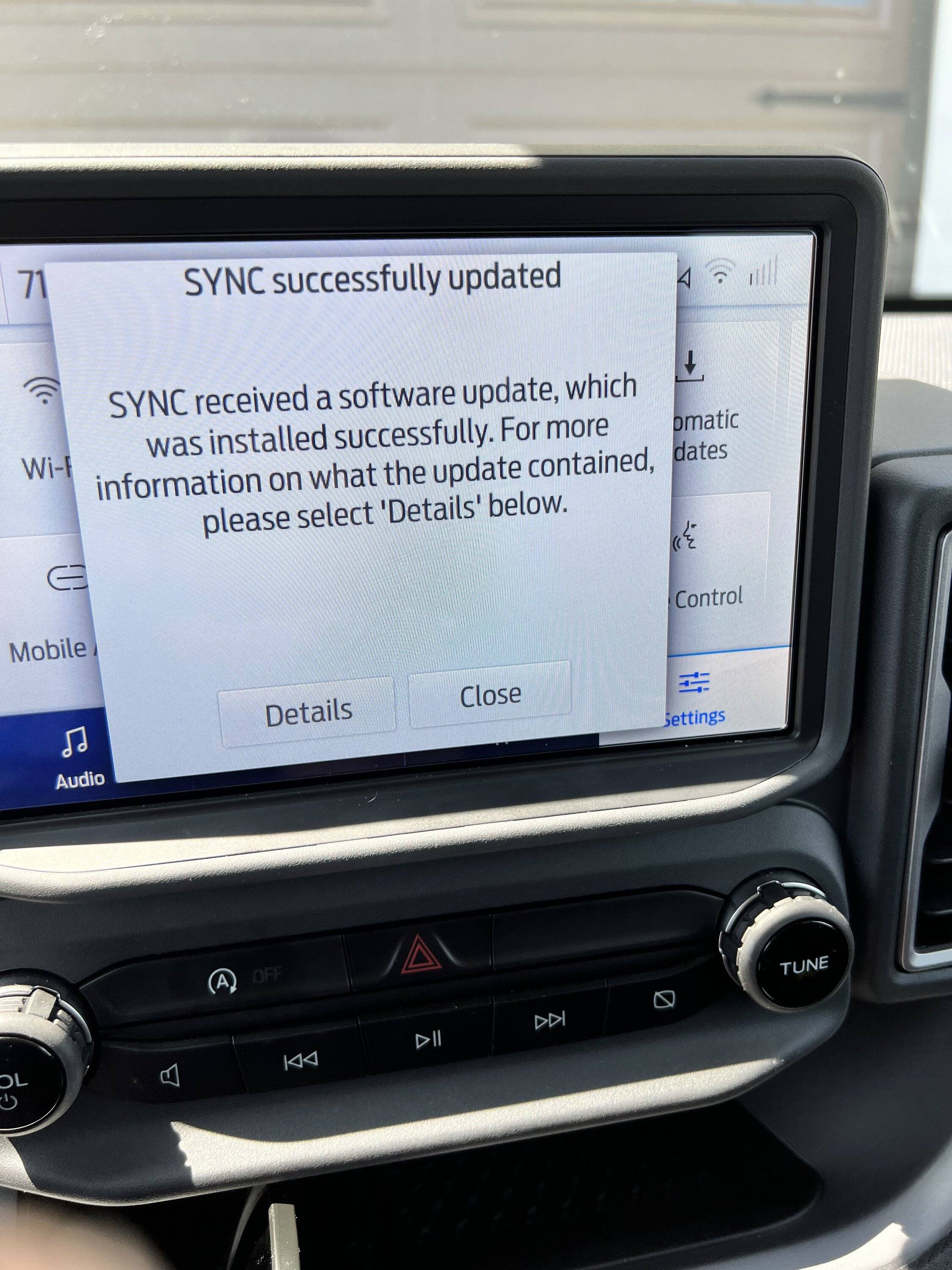
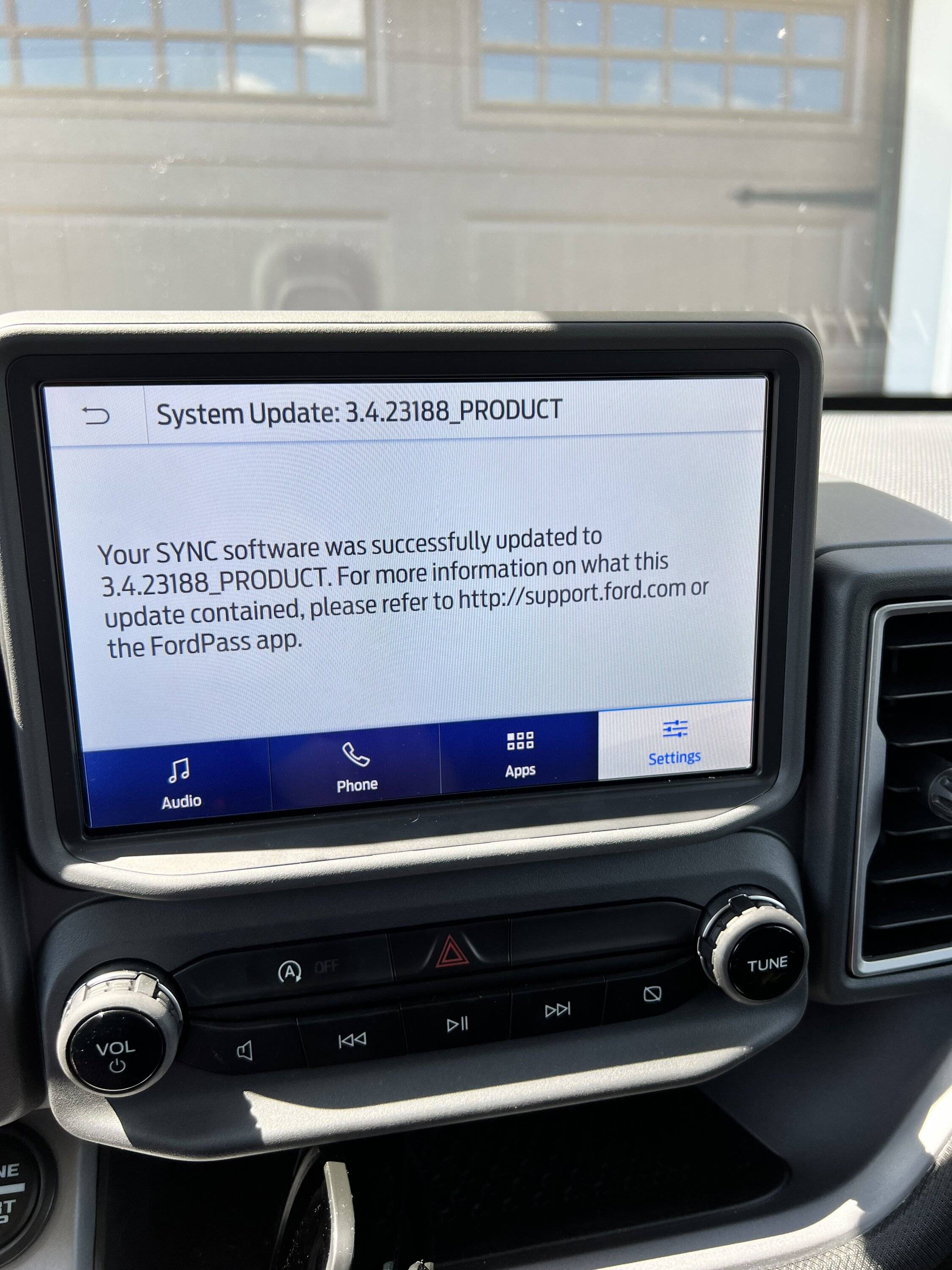
So I followed the directions and everything shows to have updated just fine, but I cannot find the xml file to upload to ford. It’s no where in the SyncMyRide folder…

should I worry or do this all over again?

Ford Bronco Sport Sync 3.4 Build 23188 Now Available 9/2/23 IMG_4483


Ford Bronco Sport Sync 3.4 Build 23188 Now Available 9/2/23 IMG_4484


Bill G

Badlands
Well-Known Member
First Name
Bill
Joined
Aug 16, 2021
Threads
6
Messages
714
Reaction score
1,519
Location
San Gabriel Valley, CA
Vehicle(s)
21 Bronco Sport Badlands, 66 Tiger
Haven't tried that one. Easiest way I've found for Mac is to download "The Unarchiver" app (think I got it from Ford's Sync3 update website) and use it to unzip the file downloaded from Ford. Unzipping with the Mac app doesn't work. Unzip to your desktop, then copy the (three items; (2) files, (1) folder) in the unzipped folder to your blank USB stick.
 

PaulOinMA

Badlands
Well-Known Member
First Name
Paul
Joined
Jun 9, 2021
Threads
2
Messages
457
Reaction score
515
Location
MA
Vehicle(s)
'23 BS, '22 FE, '04 Audi TT, '66 Austin Moke
... but I cannot find the xml file to upload to ford. It’s no where in the SyncMyRide folder…
Me, too. Others have reported same.
 
OP
OP
thomasm23

thomasm23

Outer Banks
Well-Known Member
First Name
Tom
Joined
Jun 7, 2021
Threads
33
Messages
696
Reaction score
757
Location
Los Angeles Metro
Vehicle(s)
2021 Bronco Sport
I think that's a system reset, rather than a master reset. Master reset is removing battery cable.

Folks have said it works with several system resets, rather than master reset.
Master reset is not done by removing battery cable.

Master reset is an option from the head unit settings.
 

PaulOinMA

Badlands
Well-Known Member
First Name
Paul
Joined
Jun 9, 2021
Threads
2
Messages
457
Reaction score
515
Location
MA
Vehicle(s)
'23 BS, '22 FE, '04 Audi TT, '66 Austin Moke
I was able to get a .xml file to show ...
Thanks! I was able to update it, too. My laptop now shows 23188 is current SYNC.

Still wondering why my map update won't start. Something for another day. Tired of going from my laptop to the vehicle today. ?
Sponsored

 
Last edited:


Top