@thomasm23 .. have you had a chance to look at TSB 22-2254 and/or come up with a way to reload 22251 (or maybe an earlier release) to solve the Sync 3.4 Build 22251 settings changing back to default issue?
Sponsored


Not yet. My in vehicle hotspot is not working again. Everything is loosing their settings.@thomasm23 .. have you had a chance to look at TSB 22-2254 and/or come up with a way to reload 22251 (or maybe an earlier release) to solve the Sync 3.4 Build 22251 settings changing back to default issue?
That should also mean the Ford 23088 will be a real release and not a bogus version that compares as 22251 content. That’s seems to be the issue with 23088 that got pushed to many Ford vehicles.Sync 3.4 Build 23088 has been added to CyanLabs. New maps for navigation will come shortly.
I will be waiting for Ford to officially offer the new build and updated maps.
Hopefully, this fixes the defaulting issues.
We are finding fault the control module for the sync system and have it now ordered, but has to come from the USA so that will be about 10 business days...
This is not a hardware issue. The APIM is not defective. If you are paying for this, you are wasting your money. The issue is a software issue. Logs are being created and filling up the rwdata partition. When this happens, there is not sufficient space for the settings to reside.I have the same issue with v22251
Went to the dealer and they found the problem on the second try. The first time, they just updated the firmware.
Here's what they told me:
I haven’t seen much new on 23088 except on the Ranger, Maverick, F-150 Forums. 23088 might not even be intended for Bronco Sports IDK. There are a couple others I’ve seen have similar issues with their 22251 but since the bogus 23088 has the same signature as 22251 it’s impossible to know what happened to their vehicles.I am surprised no other BS owners have noticed this issue yet. This is all over F150 and Maverick forums.
Ford dealers have not yet received any information from the factory. Ford Sync tech support is aware of the rwdata issue, but no solution is yet available directly from Ford.
There is a “Jailbreak” solution available, however I would rather wait for an official Ford solution like Sync 3.4 Build 23088 to be released directly from Ford.
If it’s CarPlay related it also has to be Android Auto related because these Sync issues are occurring with both phone types in the F-150 Forums.That TSB will not correct this issue. I have been checking with Sync tech support several times a week looking for any status of a new TSB addressing this issue. I called yesterday. Still nothing.
I was reading about someone acknowledging the rwdata partition issue with logs not being compressed and deleted upon vehicle restart. Previous version performed this function.
Another issue, along with the above maybe an Apple CarPlay issue. This may also be contributing to the rwdata partition filling up.
If the dealer is replacing an APIM that is out of warranty and charges the customer, this might and should result in a class-action lawsuit against the factory.
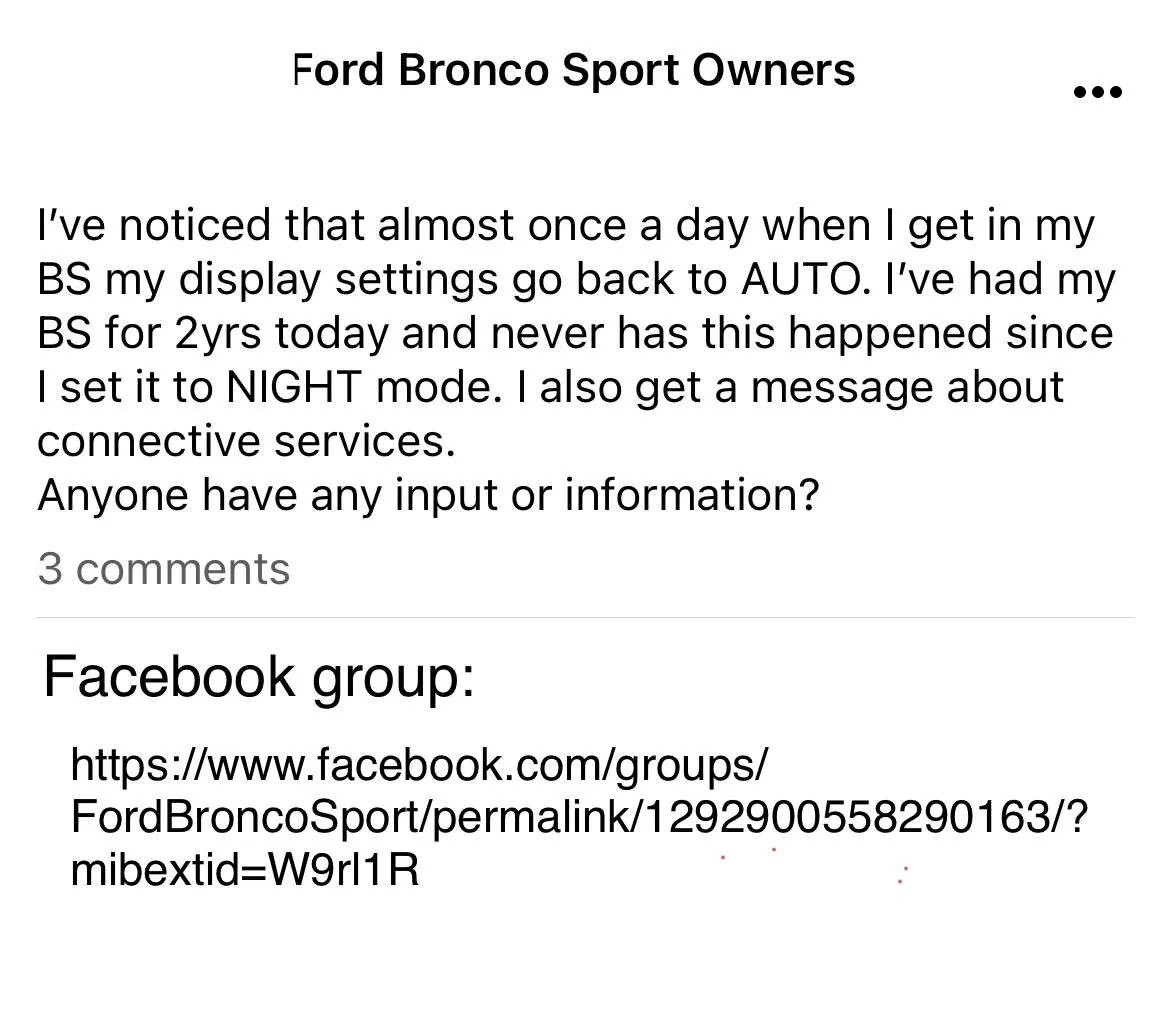
I used the Ford internet team (@Ford Motor Company) to create the case # with all the pertinent info needed which I provided by direct messaging that Ford Motor Company alias.I have not found the Ford Sync support team very useful. They seem to read a script and then put me on hold while they research the issue.
The latest response from last week was a GSB (General Service Bulletin). This was useless.
Has Ford officially acknowledged that this issue exists? I would love to use a factory solution.
I am tempted to jailbreak and clear the rwdata partition and then use CyanLabs to install build 23088.