
- First Name
- Nelson
- Joined
- Jul 18, 2022
- Threads
- 4
- Messages
- 29
- Reaction score
- 57
- Location
- California
- Vehicle(s)
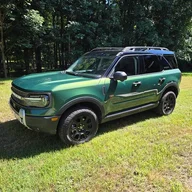
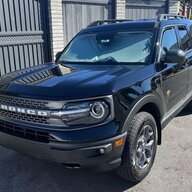
- 2022 Ford Bronco Sport
- Thread starter
- #1
⚠Disclaimer
I received the Wolfbox G900 Pro dash cam kit at no cost from the manufacturer for review purposes. I informed them that I would provide an honest and unbiased review based on real-world testing. I was not paid or compensated beyond receiving the product itself. All opinions expressed here are my own and reflect my genuine experience with the product.

This review is based on my experience after two weeks of daily use, during which I covered approximately 1000 miles of a mix of local streets and highway driving.
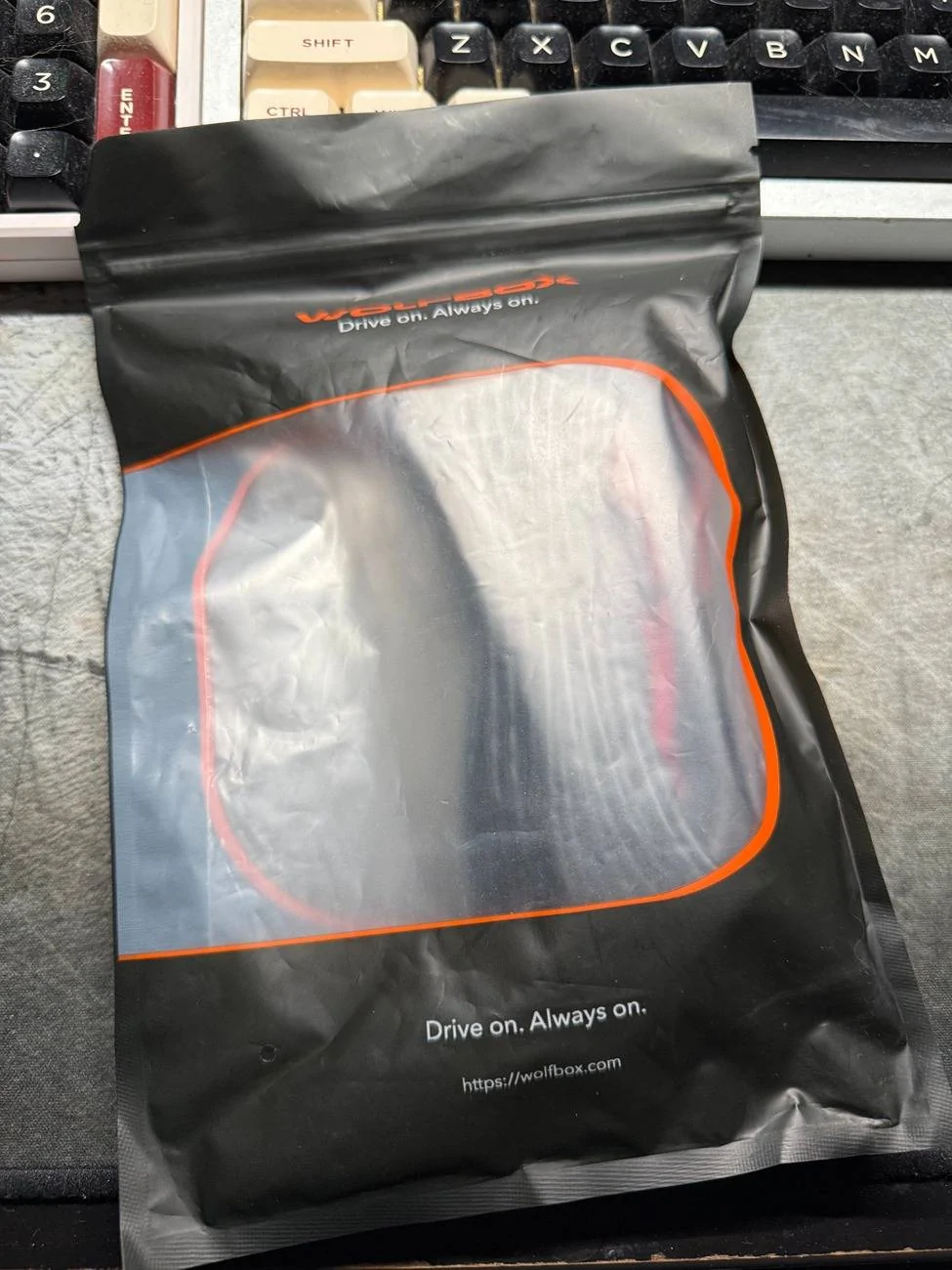
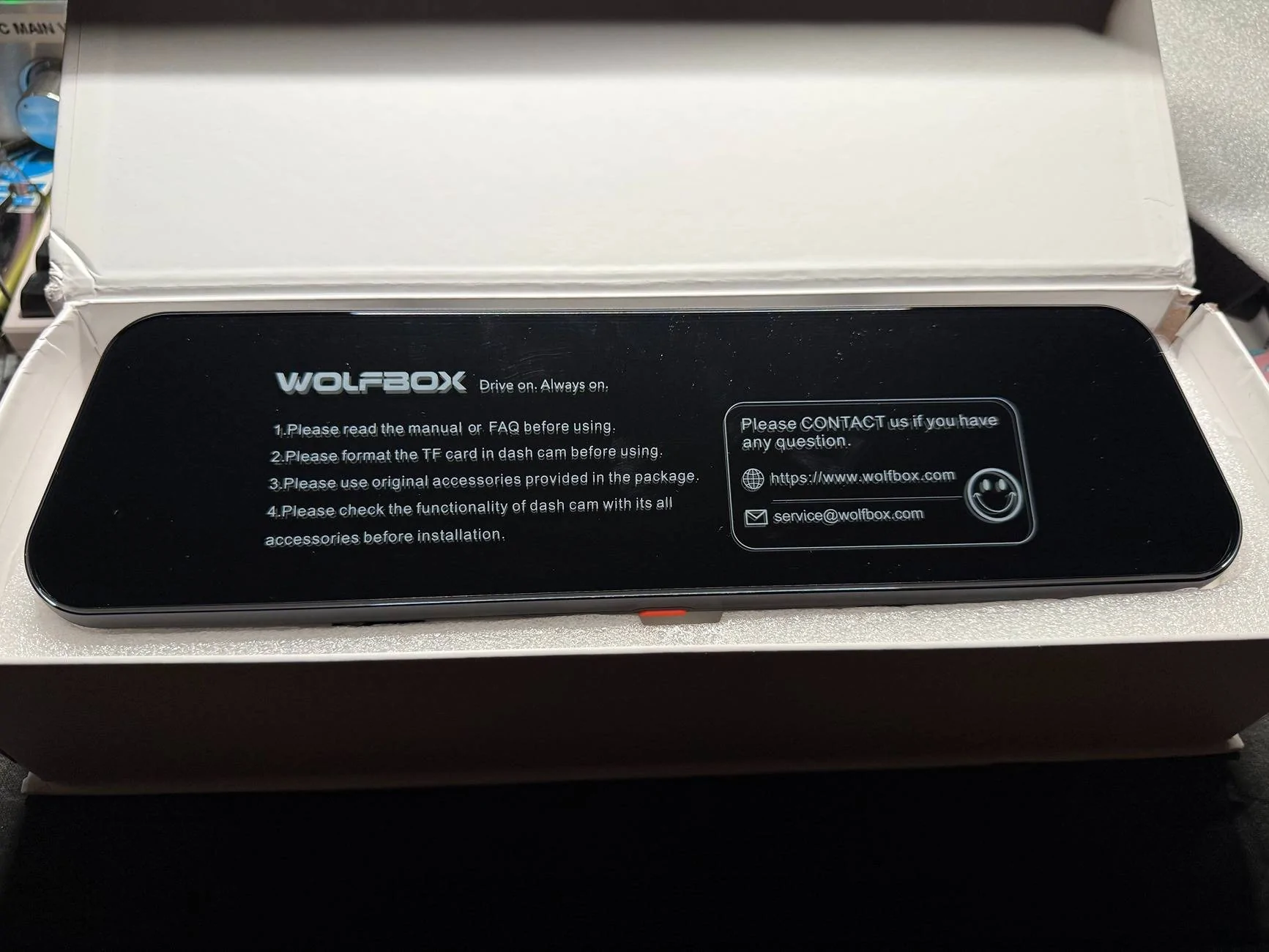
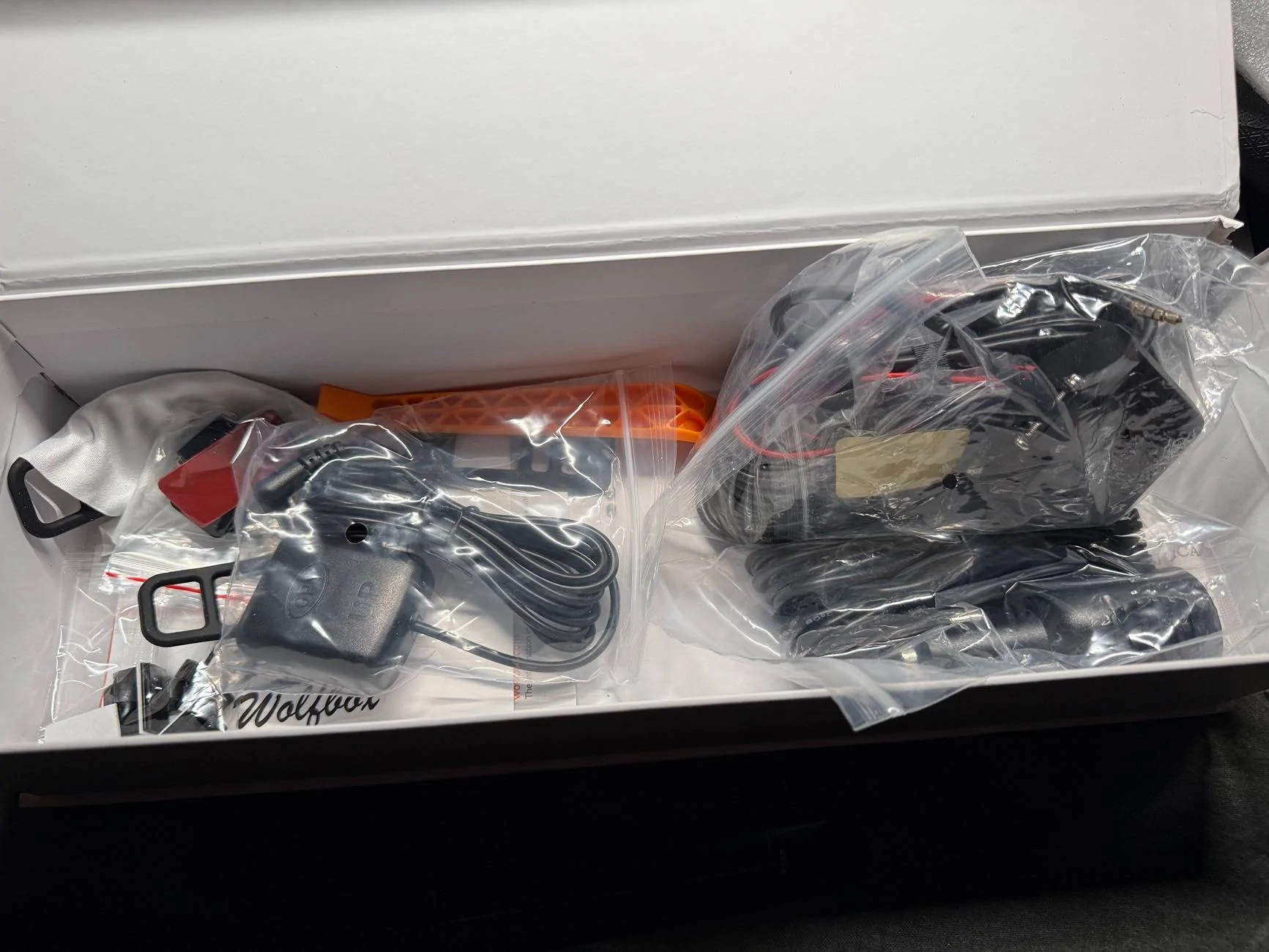
What's in the Box
In my review kit, I received:

Installation Notes
I opted to use the hardwire kit instead of the cigarette lighter adapter. The fuse tapping kit was very convenient—it includes all common fuse types and is easy to work with. Tip: Have your vehicle’s fuse box diagram handy to find the ACC (ignition) and constant power fuses.
My setup:
Here is my setup diagram

I took off the A pillar panel for wire routing, The reason is that for Bronco Sport, there are A pillar curtain airbags attached; in order to not disrupt the path for the airbag deployment, routing the cable around it is the better way to do. Plus, the Wolfbox wire kit gives you plenty of length, and it is pretty easy to do a good wiring.
When taking off the panel need to be careful, use the included plastic pry bar to slowly pry out the panel, and when you are taking it off, be sure not to force it; it is a plastic panel. If too much force is applied, the panel may warp. Also, be careful of how deep your pry bar is; you don't want to puncture your airbag...
When routing the rear camera, I choose to take off the weather-proofing strip on the door and route it in the headliner. However, for normal installation, you can just tuck the wire into the weather strips and hide it that way. I routed the rear camera cable through the driver's side since I already have several cables running through on the passenger side.
My rear camera is mounted inside the cabin directly onto the rear wiper motor box, and the camera is looking out from the rear glass.
After installation, the dash cam powered on automatically with the ignition, and all the time and date are synced by a GPS signal.
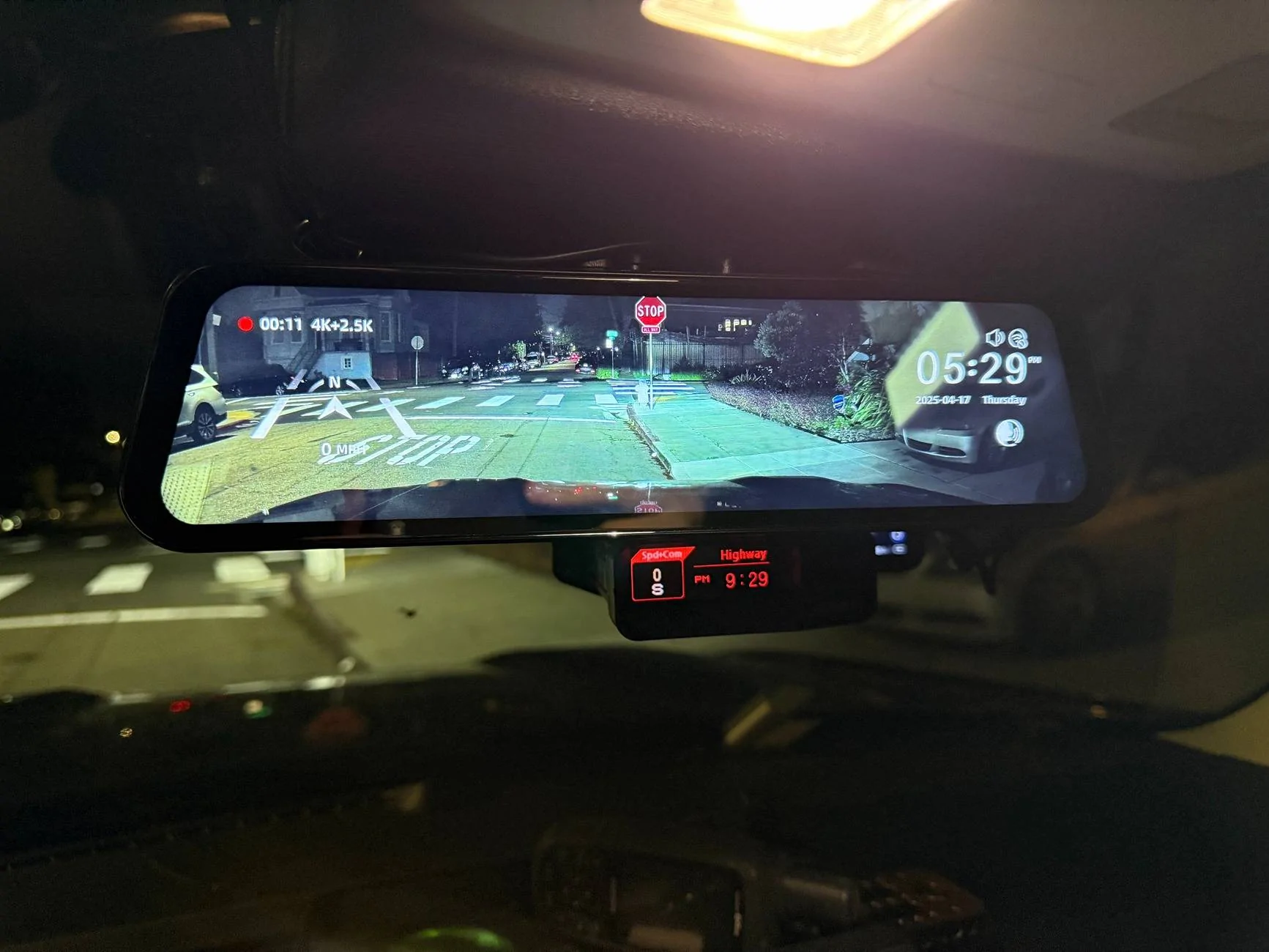
The front camera is offset slightly toward the driver’s side, offering a more natural and accurate perspective. The image quality is crisp and sharp, and you can switch on the mirror through:

Because my Bronco Sport already has a factory backup camera, I mounted the Wolfbox rear camera inside the rear window, upside down. Thankfully, there’s a simple flip image and mirror view setting in the menu to correct that.
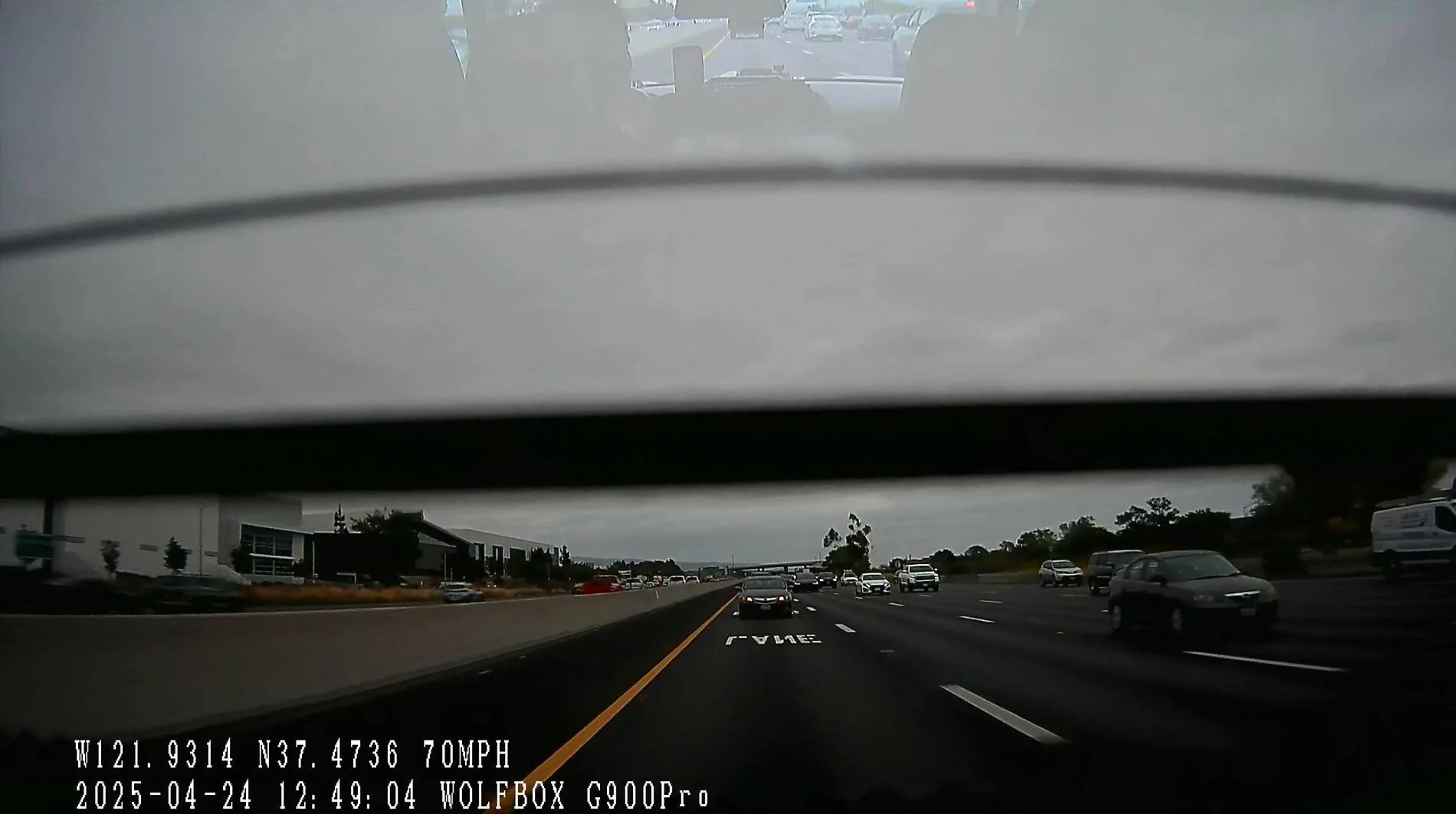
For my preference, I always put it on the rear camera while driving, because it will act as a digital rear mirror for me. I have my rear windows all tinted with 95%, so the picture looks dark. For me, I am OK with this since through my regular mirror, I have a darker look through the back anyway.
And from the picture above, you can see there are heat strips for rear defroster on the glass, when I am viewing it on the mirror, it crops out the lines and looks like a rear view mirror.
Picture Quality
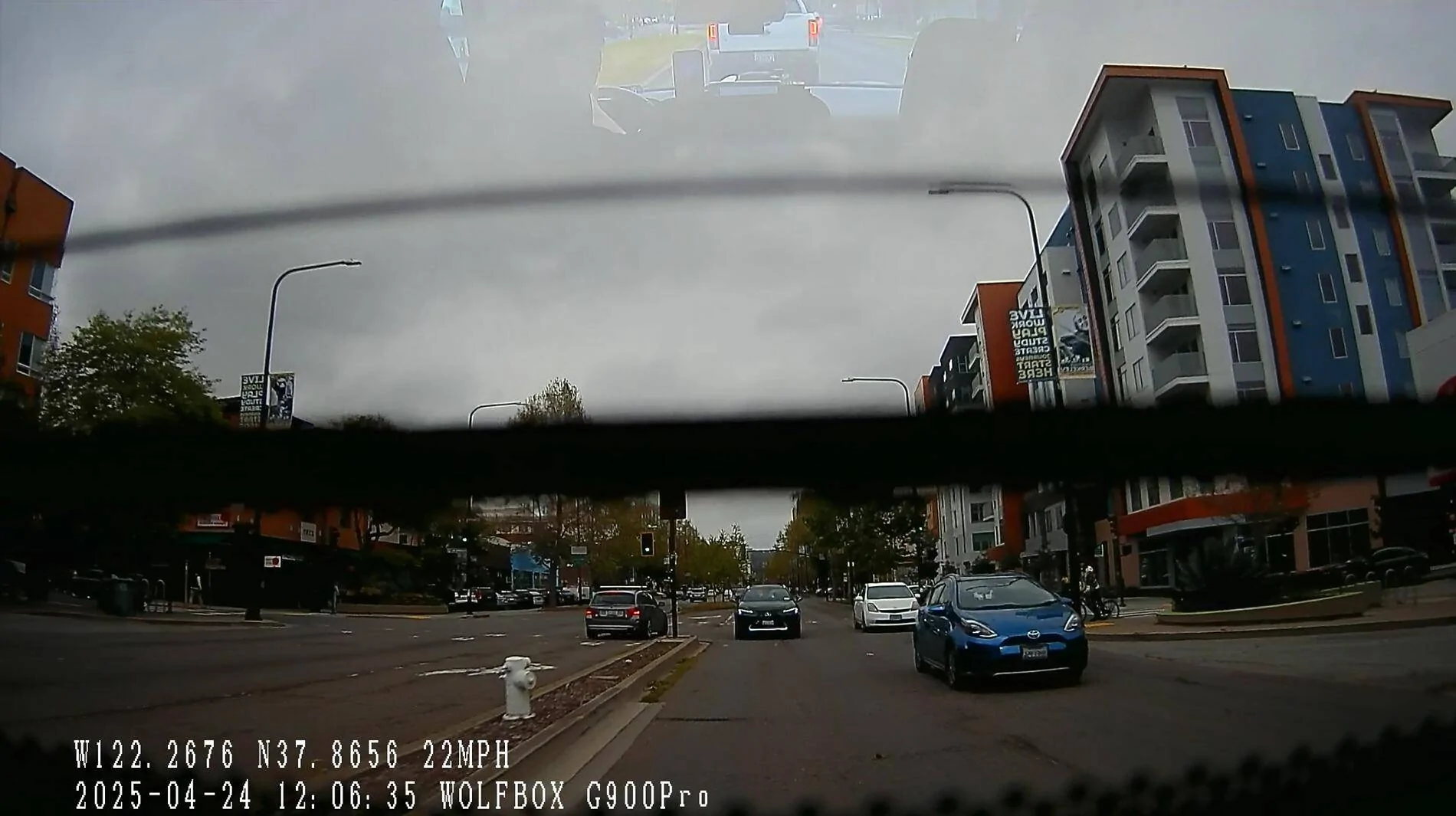
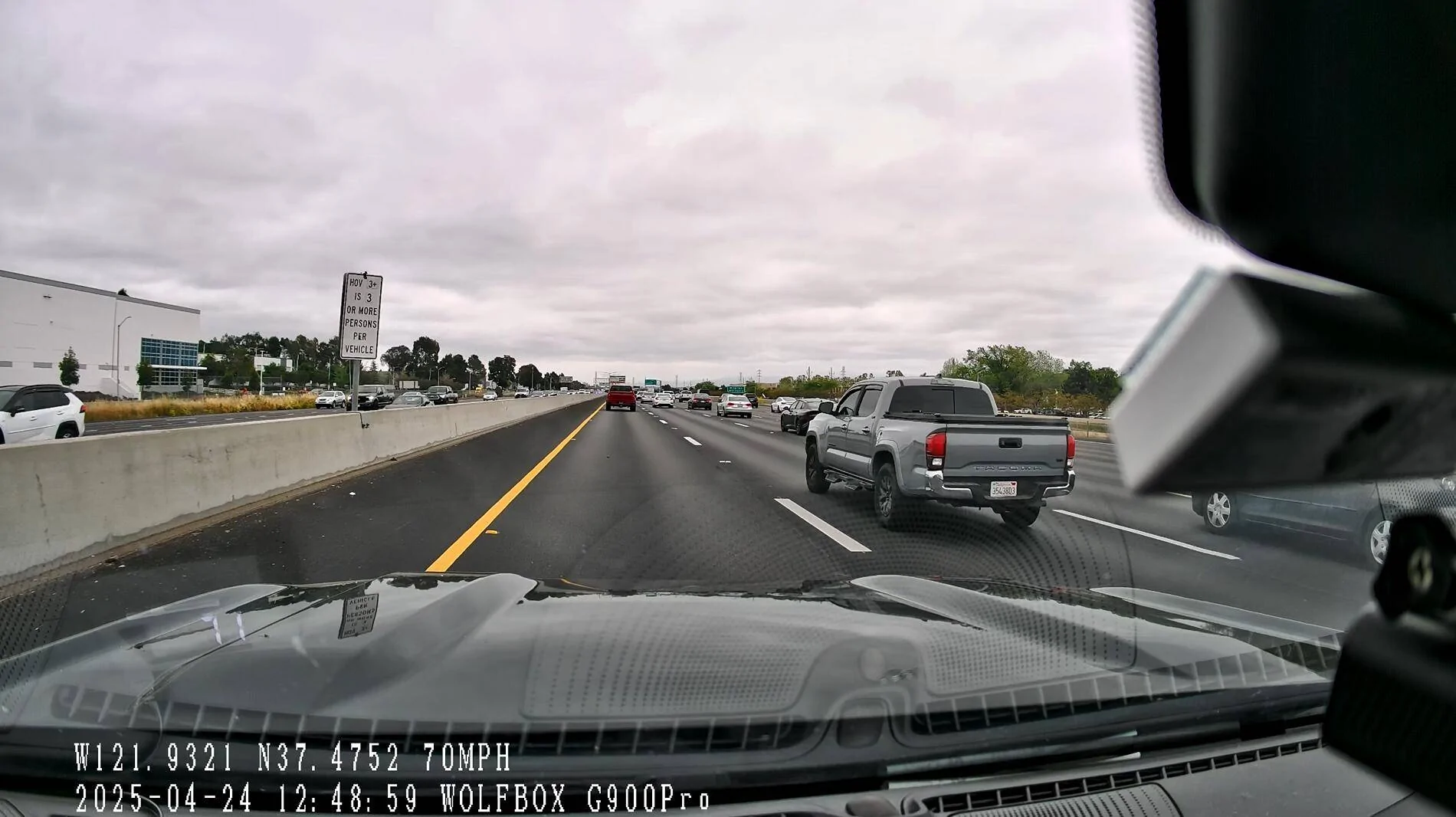
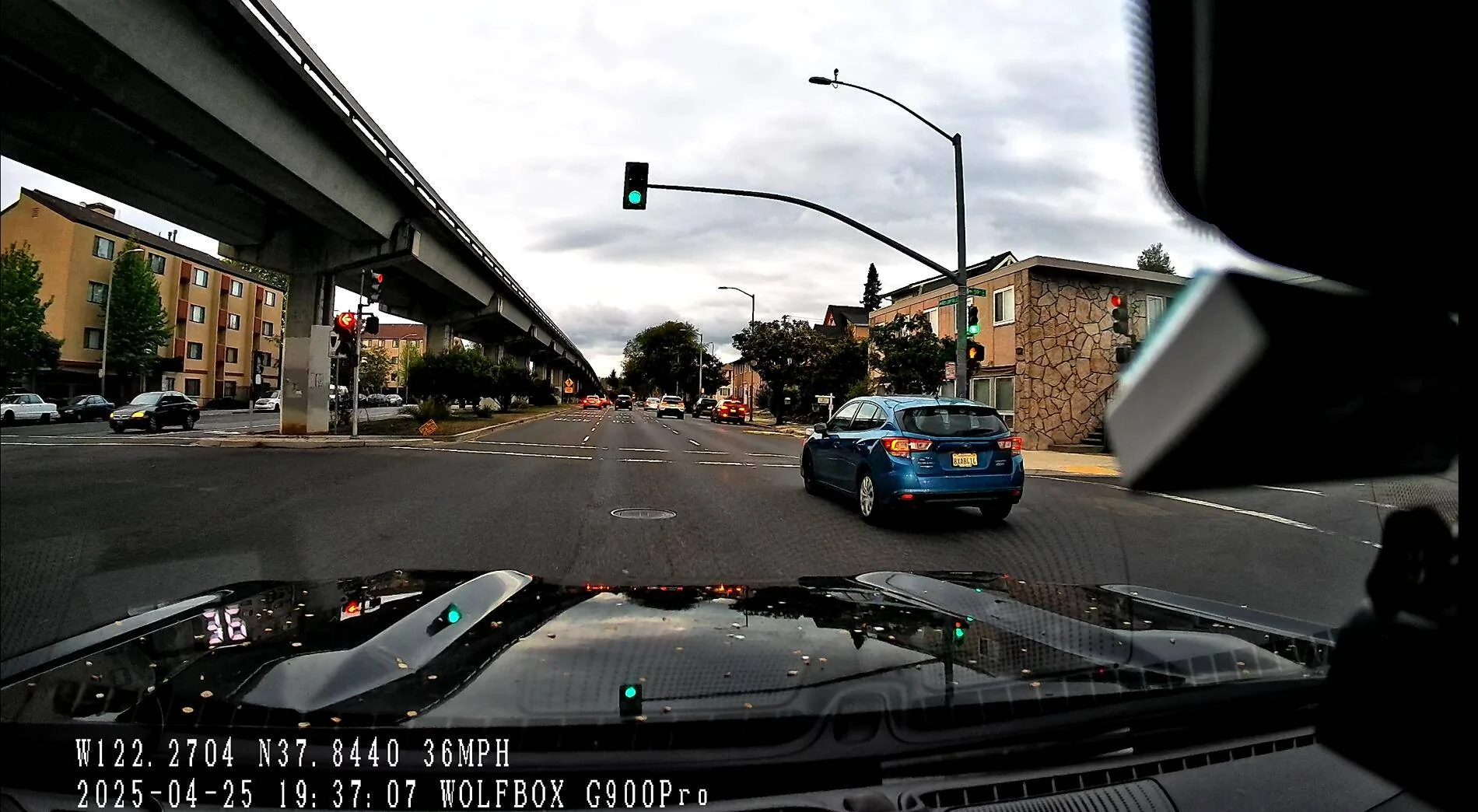
Overall the picture quality of the unit looks very clean. The 4K front camera has better detail comparing to the 2.5K rear camera.
The front camera has a clear license plate view for a good 2~3 car distance, My normal highway drive will always keep at least a 3 car distance. (I set my ACC to 4 all the time)
Video sample below for download, and you can be the judge.
Link to Google Drive
Screenshots
Daylight City Drive

Daylight Highway Drive


Sunset City Drive


Sunset Highway Drive

Night City Drive


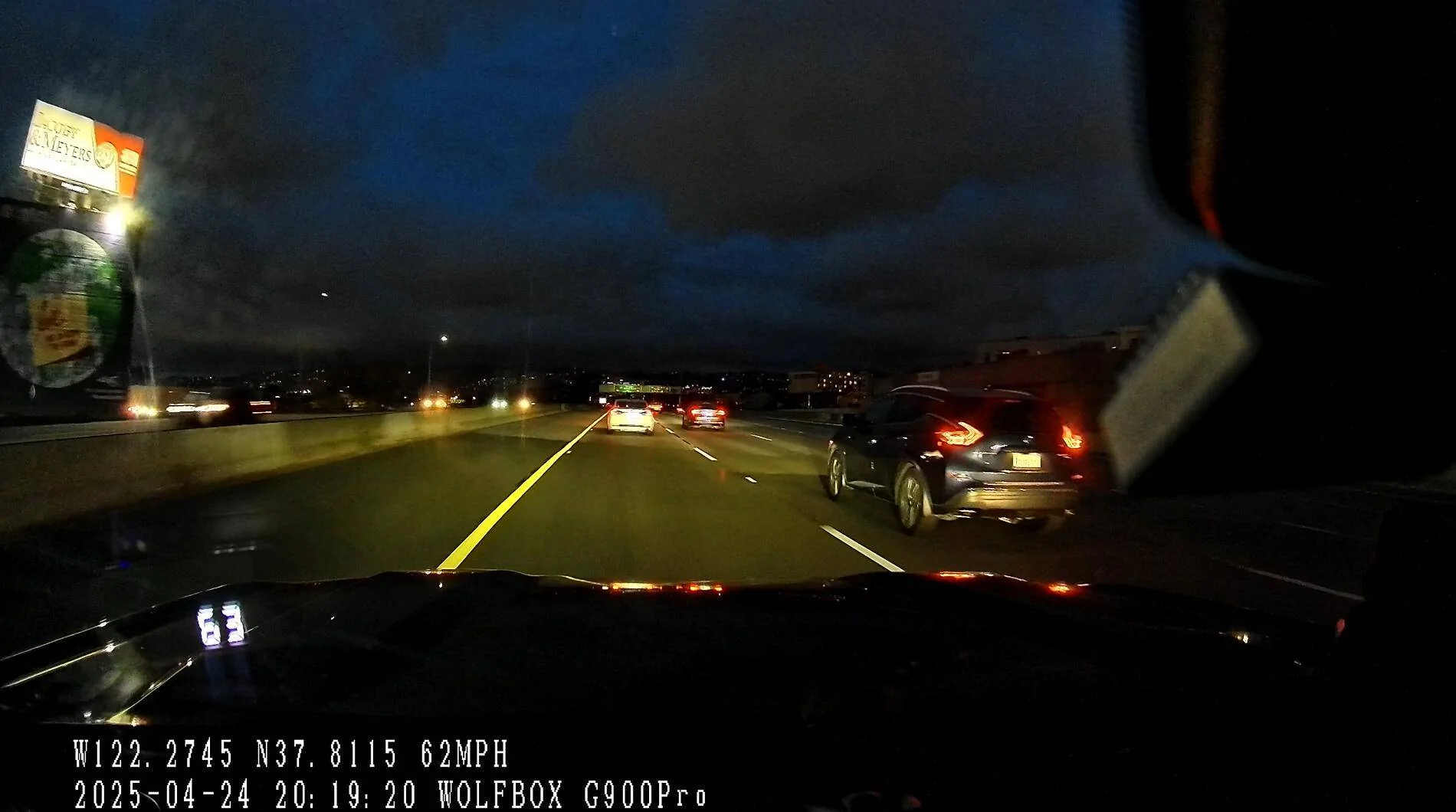
Night Highway Drive


Voice Control Functionality
The Wolfbox G900 Pro supports voice control without needing a wake word. Commands like "show rear camera" or "show front camera" work reliably while idling in a quiet environment. While on the highway, I can also use voice command to turn on/off functions when there is no music/podcast/audiobook playing.
The microphones are smartly located at the bottom of the dashcam, close to the driver.
Wolfbox Mobile App
Connecting to the dashcam via the Wolfbox app was fast and smooth:
Downloading a 1-minute clip takes about 1 minute, but browsing video clips happens with no delay.
Importantly, front and rear camera recordings are separated into different clips, making it easy to pick and choose.
The connection is very stable, the dashcam only uses Wifi to sync and get the footage. This is especially good because all my previous dashcams required connecting to Bluetooth and pairing them first, and when you need to download footage, they will start WiFi for a faster connection.
I understand the mechanism for Bluetooth + WiFi, but considering the high failure rate that I experienced, I think a WiFi-only solution is great. And we need to be honest with ourselves... Dashcam is something better to set and forget, compared to a Bluetooth speaker and other gadgets, you will not connect to it multiple times every day.
In my case, I need to get dashcam footage if there is something has happened and I want to pull the footage fast and easily. Previously, I would get frustrated when my dashcam could not get a connection and download the footage...
Pros and Cons (Summary)
Pros
Cons
Conclusion
After two weeks of daily use and 700 miles of driving, I can confidently say the Wolfbox G900 Pro has been a reliable and user-friendly addition to my vehicle. From the straightforward installation to the clean and sharp footage it captures, the experience has been mostly smooth and trouble-free.
The front camera quality is excellent for both day and night driving, and the voice control is practical and easy to use without any complicated wake-up commands.
There are a few areas for improvement: I would love to see manual exposure control for the rear camera, especially for vehicles with tinted windows like mine. Customizable display overlays for clock, speed, and compass would also help the unit blend in better with modern vehicle interiors and look like OEM.
Despite those minor shortcomings, the Wolfbox G900 Pro delivers a strong combination of performance, features, and ease of use.
The value for the price is also great. The G900 Pro offers a dual-channel system (front and rear cameras) at a cost lower than many dash cams on the market. As of April 26, 2025, I see the price on Amazon is $299 with an additional $50 Coupon, while other common dashcam brands have dual-channel dashcams for $280~380.
Considering the build quality, feature set, and included accessories (like a 128GB card), it’s a very strong value proposition.
I received the Wolfbox G900 Pro dash cam kit at no cost from the manufacturer for review purposes. I informed them that I would provide an honest and unbiased review based on real-world testing. I was not paid or compensated beyond receiving the product itself. All opinions expressed here are my own and reflect my genuine experience with the product.
This review is based on my experience after two weeks of daily use, during which I covered approximately 1000 miles of a mix of local streets and highway driving.
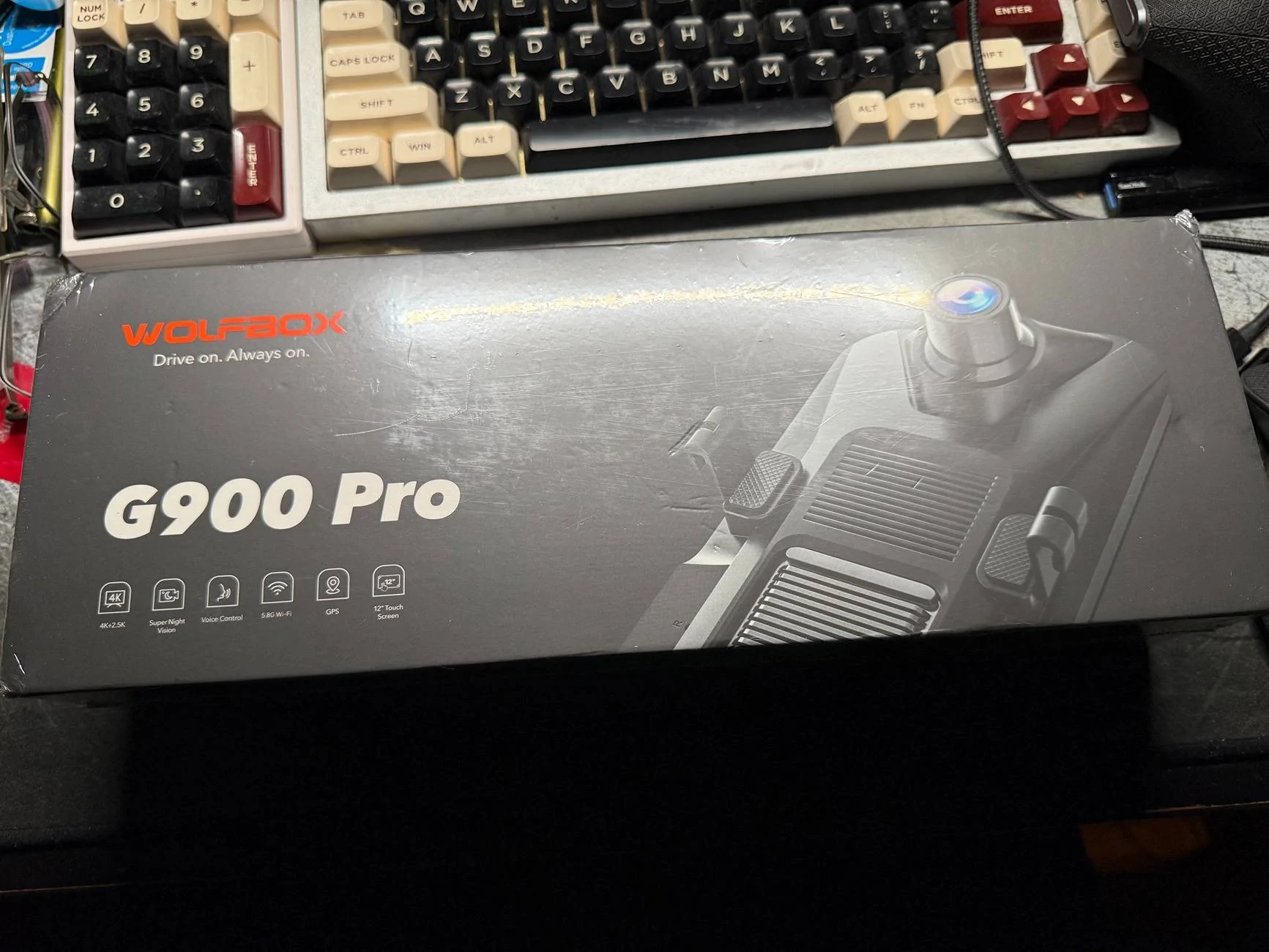
What's in the Box
In my review kit, I received:
- The main G900 Pro dash cam unit
- GPS antenna
- Rear camera with cable
- Type C Hardwire kit (provided separately)
- Fuse tapping kit with multiple popular fuse types
- Mounting straps and wiring clips
- Optional cigarette lighter power cable (Type C angled)
- 128GB microSD card (pre-installed)

Installation Notes
I opted to use the hardwire kit instead of the cigarette lighter adapter. The fuse tapping kit was very convenient—it includes all common fuse types and is easy to work with. Tip: Have your vehicle’s fuse box diagram handy to find the ACC (ignition) and constant power fuses.
My setup:
- ACC fuse for ignition power (Fuse 10)
- Constant fuse for parking mode (Fuse 4)
- Black wire grounded to a metal bolt
Here is my setup diagram
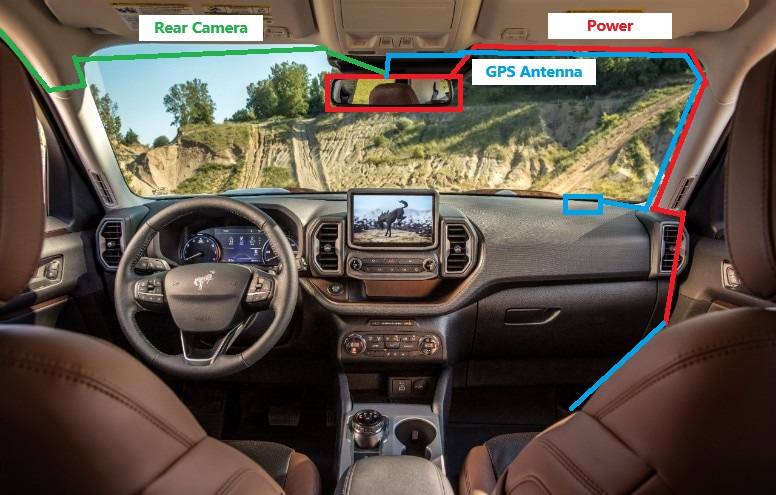
I took off the A pillar panel for wire routing, The reason is that for Bronco Sport, there are A pillar curtain airbags attached; in order to not disrupt the path for the airbag deployment, routing the cable around it is the better way to do. Plus, the Wolfbox wire kit gives you plenty of length, and it is pretty easy to do a good wiring.
When taking off the panel need to be careful, use the included plastic pry bar to slowly pry out the panel, and when you are taking it off, be sure not to force it; it is a plastic panel. If too much force is applied, the panel may warp. Also, be careful of how deep your pry bar is; you don't want to puncture your airbag...
When routing the rear camera, I choose to take off the weather-proofing strip on the door and route it in the headliner. However, for normal installation, you can just tuck the wire into the weather strips and hide it that way. I routed the rear camera cable through the driver's side since I already have several cables running through on the passenger side.
My rear camera is mounted inside the cabin directly onto the rear wiper motor box, and the camera is looking out from the rear glass.
After installation, the dash cam powered on automatically with the ignition, and all the time and date are synced by a GPS signal.
The front camera is offset slightly toward the driver’s side, offering a more natural and accurate perspective. The image quality is crisp and sharp, and you can switch on the mirror through:
- Front view
- Split-screen (Front + Rear)
- Rear view


Because my Bronco Sport already has a factory backup camera, I mounted the Wolfbox rear camera inside the rear window, upside down. Thankfully, there’s a simple flip image and mirror view setting in the menu to correct that.
For my preference, I always put it on the rear camera while driving, because it will act as a digital rear mirror for me. I have my rear windows all tinted with 95%, so the picture looks dark. For me, I am OK with this since through my regular mirror, I have a darker look through the back anyway.
And from the picture above, you can see there are heat strips for rear defroster on the glass, when I am viewing it on the mirror, it crops out the lines and looks like a rear view mirror.
Picture Quality
Overall the picture quality of the unit looks very clean. The 4K front camera has better detail comparing to the 2.5K rear camera.
The front camera has a clear license plate view for a good 2~3 car distance, My normal highway drive will always keep at least a 3 car distance. (I set my ACC to 4 all the time)
Video sample below for download, and you can be the judge.
Link to Google Drive
Screenshots
Daylight City Drive

Daylight Highway Drive
Sunset City Drive
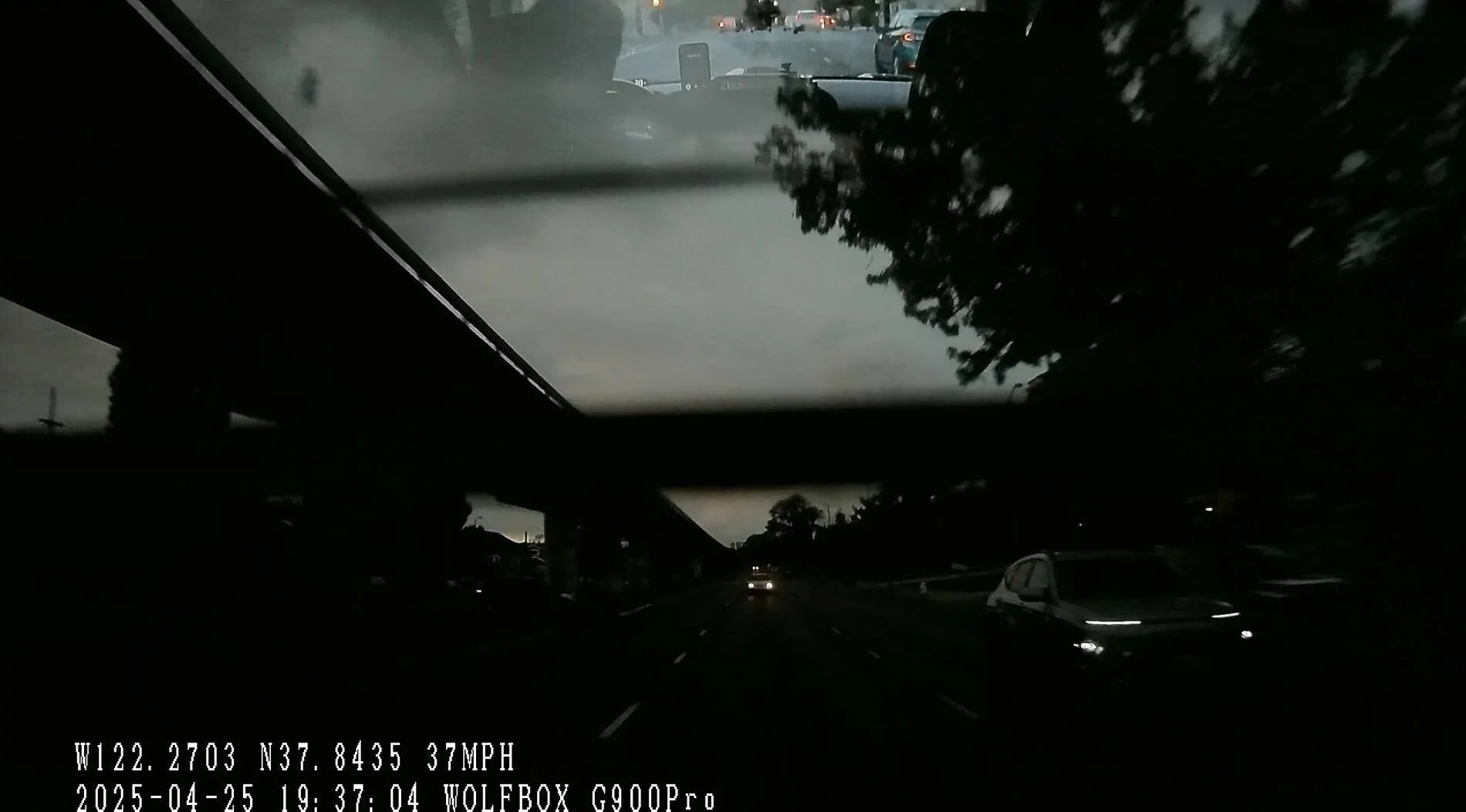
Sunset Highway Drive
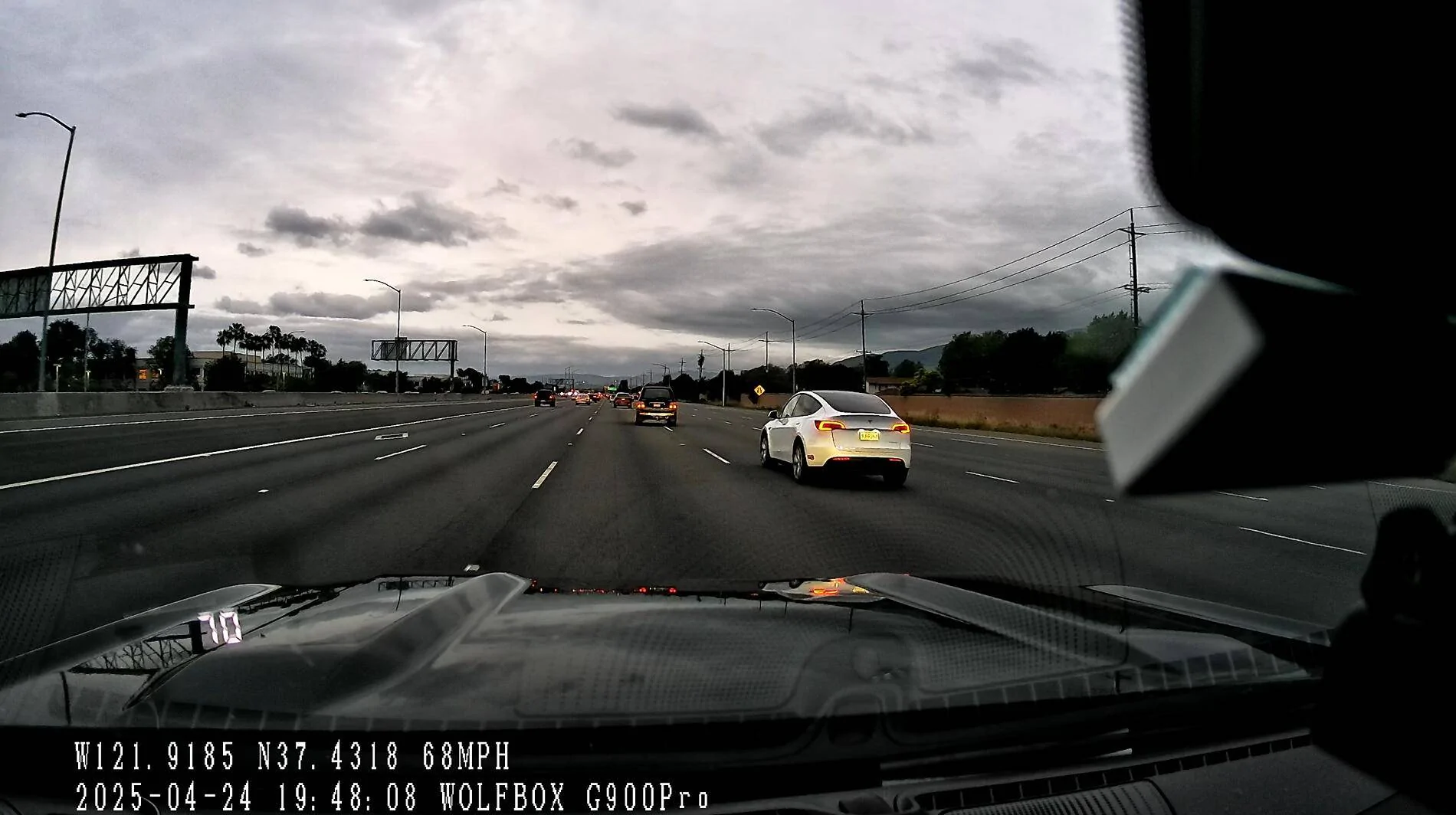
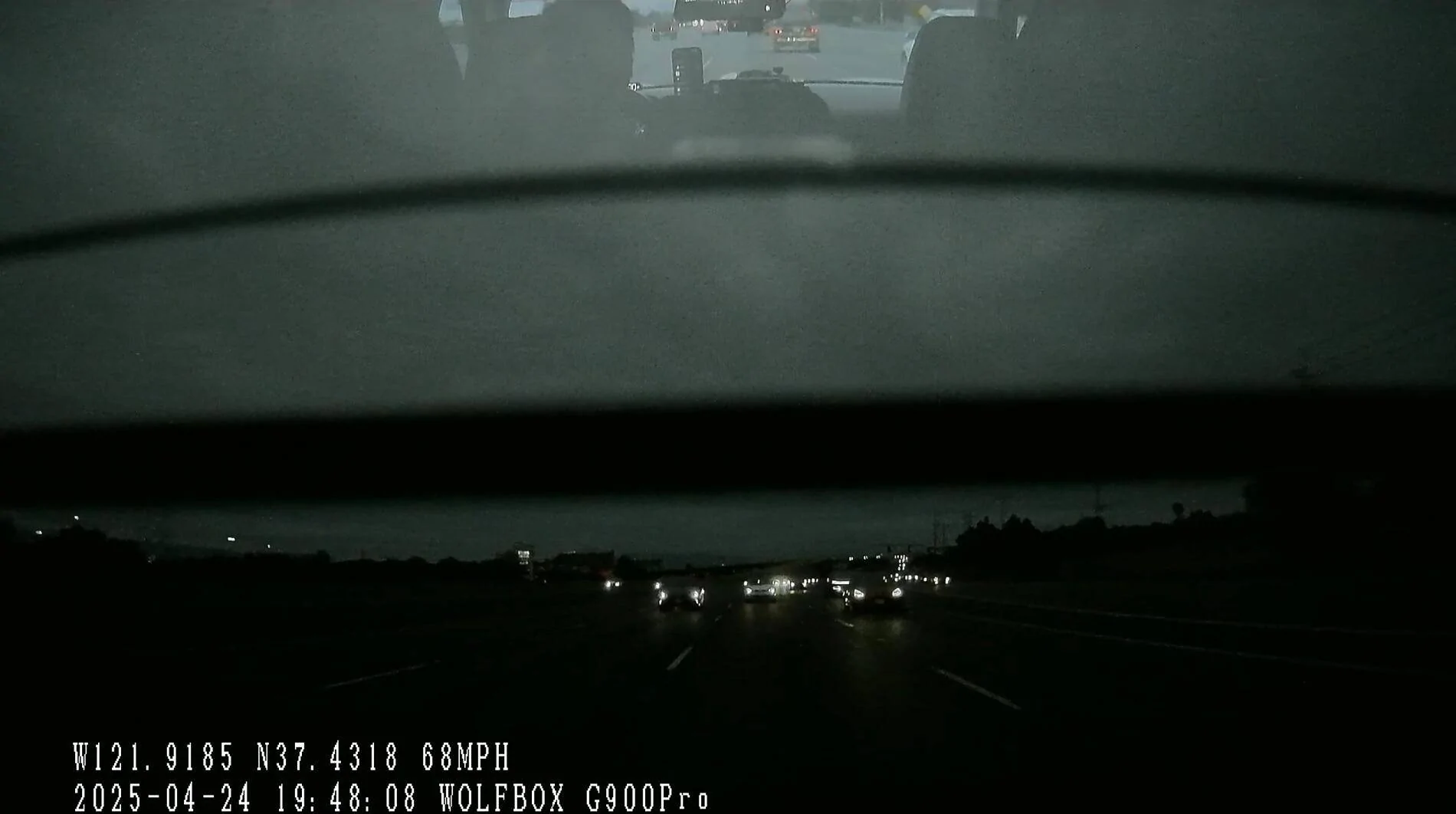
Night City Drive

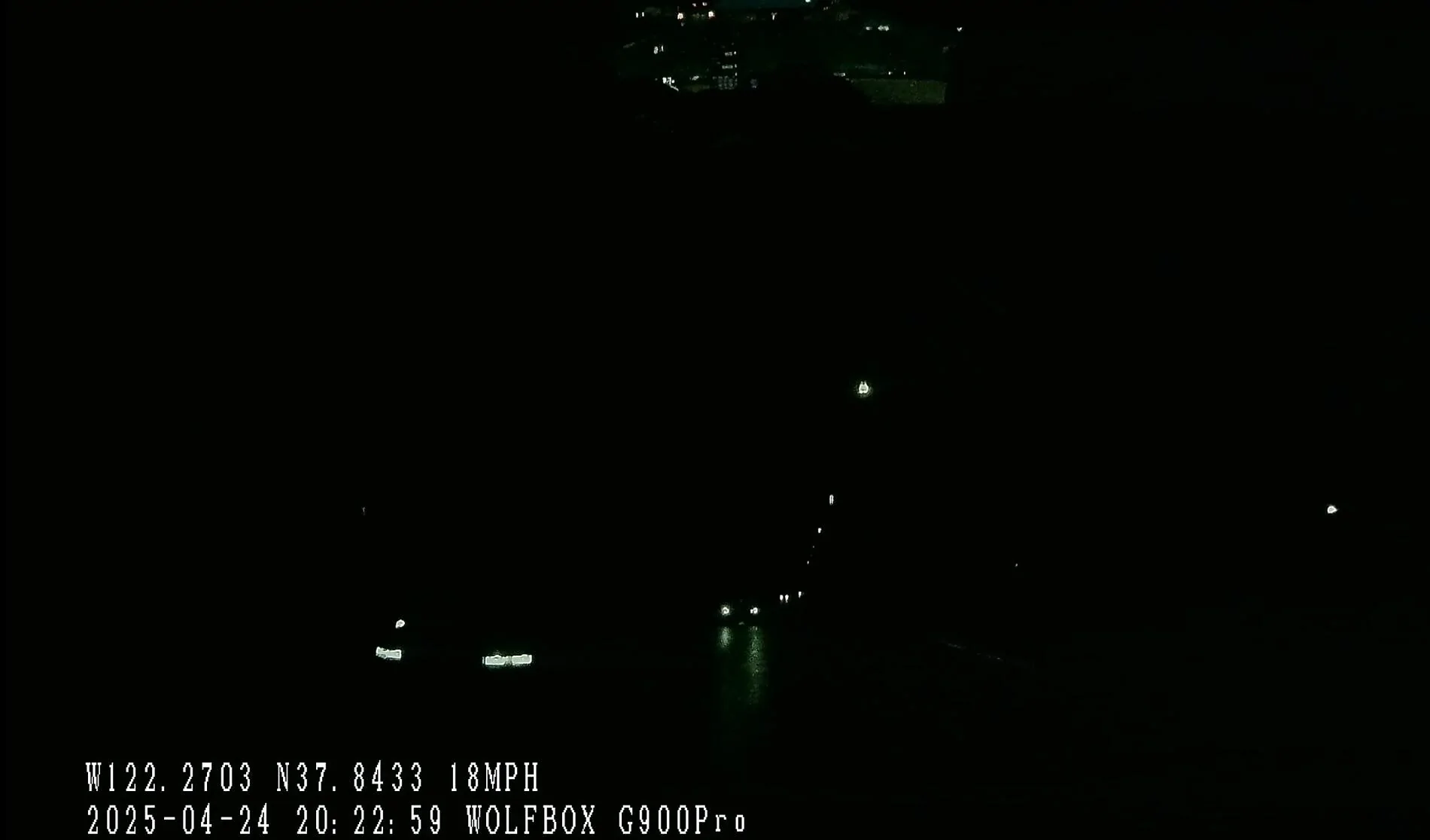
Night Highway Drive
Voice Control Functionality
The Wolfbox G900 Pro supports voice control without needing a wake word. Commands like "show rear camera" or "show front camera" work reliably while idling in a quiet environment. While on the highway, I can also use voice command to turn on/off functions when there is no music/podcast/audiobook playing.
The microphones are smartly located at the bottom of the dashcam, close to the driver.
Wolfbox Mobile App
Connecting to the dashcam via the Wolfbox app was fast and smooth:
- Download the app from the App Store
- Enable the dashcam Wi-Fi
- Connect the phone to the dashcam’s Wi-Fi
- Open the app (automatic detection)
Downloading a 1-minute clip takes about 1 minute, but browsing video clips happens with no delay.
Importantly, front and rear camera recordings are separated into different clips, making it easy to pick and choose.
The connection is very stable, the dashcam only uses Wifi to sync and get the footage. This is especially good because all my previous dashcams required connecting to Bluetooth and pairing them first, and when you need to download footage, they will start WiFi for a faster connection.
I understand the mechanism for Bluetooth + WiFi, but considering the high failure rate that I experienced, I think a WiFi-only solution is great. And we need to be honest with ourselves... Dashcam is something better to set and forget, compared to a Bluetooth speaker and other gadgets, you will not connect to it multiple times every day.
In my case, I need to get dashcam footage if there is something has happened and I want to pull the footage fast and easily. Previously, I would get frustrated when my dashcam could not get a connection and download the footage...
Pros and Cons (Summary)
Pros
- Straightforward Installation: The hardwire and fuse tapping kits are user-friendly, even for those with limited experience. Installation took me about an hour, and the ample cable lengths allowed for clean wire routing and concealment.
- Plug-and-Play Functionality: Once installed, the dash cam powers on immediately upon starting the vehicle, requiring no additional setup.
- Driver-Side Front Camera Placement: The front camera is positioned closer to the driver's perspective, offering a more natural field of view.
- High-Quality Video Footage: The front camera delivers crisp and sharp images.
- Multiple Display Modes: Users can switch between front view, split-screen (front and rear), and rear view modes, all accessible via the intuitive bottom bar controls.
- Adjustable Viewing Angles: The touchscreen allows for vertical adjustment of the camera's field of view, enhancing visibility and adaptability.
- Voice Control: The dash cam responds to predefined voice commands without the need for a wake word. The microphones, located at the bottom of the mirror, effectively capture commands, especially in quiet conditions.
- User-Friendly Mobile App: Pairing the dash cam with the Wolfbox app on my iPhone was seamless, taking less than five minutes. The app provides easy access to live views, settings, and recorded footage.
- Efficient Video Management: Downloading a single clip via the app takes approximately one minute. Viewing clips directly within the app is smooth, with no noticeable delays. Notably, front and rear camera recordings are saved as separate files, simplifying the process of locating specific footage.
Cons
- Rear Camera Exposure Limitations: The rear camera lacks manual exposure adjustments. In my Bronco Sport, which has a tinted rear window, this results in diminished visibility in low-light conditions.
- Limited Overlay Customization: The on-screen overlays for clock, speed, and compass are fixed in position and size. Offering customization options would provide a cleaner, more OEM-like appearance.
- Adhesive Challenges for Rear Camera Installation: The adhesive provided for mounting the rear camera did not adhere well to the plastic panel of the Bronco Sports Interior panel. To secure the camera, I recommend using an adhesive promoter or replacing the tape with a piece of 3M VHB.
- Polarizing Filter: The cameras will benefit a lot with a polarizing filter because it will cut down the interior reflection on the windshield and rear glass.
Conclusion
After two weeks of daily use and 700 miles of driving, I can confidently say the Wolfbox G900 Pro has been a reliable and user-friendly addition to my vehicle. From the straightforward installation to the clean and sharp footage it captures, the experience has been mostly smooth and trouble-free.
The front camera quality is excellent for both day and night driving, and the voice control is practical and easy to use without any complicated wake-up commands.
There are a few areas for improvement: I would love to see manual exposure control for the rear camera, especially for vehicles with tinted windows like mine. Customizable display overlays for clock, speed, and compass would also help the unit blend in better with modern vehicle interiors and look like OEM.
Despite those minor shortcomings, the Wolfbox G900 Pro delivers a strong combination of performance, features, and ease of use.
The value for the price is also great. The G900 Pro offers a dual-channel system (front and rear cameras) at a cost lower than many dash cams on the market. As of April 26, 2025, I see the price on Amazon is $299 with an additional $50 Coupon, while other common dashcam brands have dual-channel dashcams for $280~380.
Considering the build quality, feature set, and included accessories (like a 128GB card), it’s a very strong value proposition.