




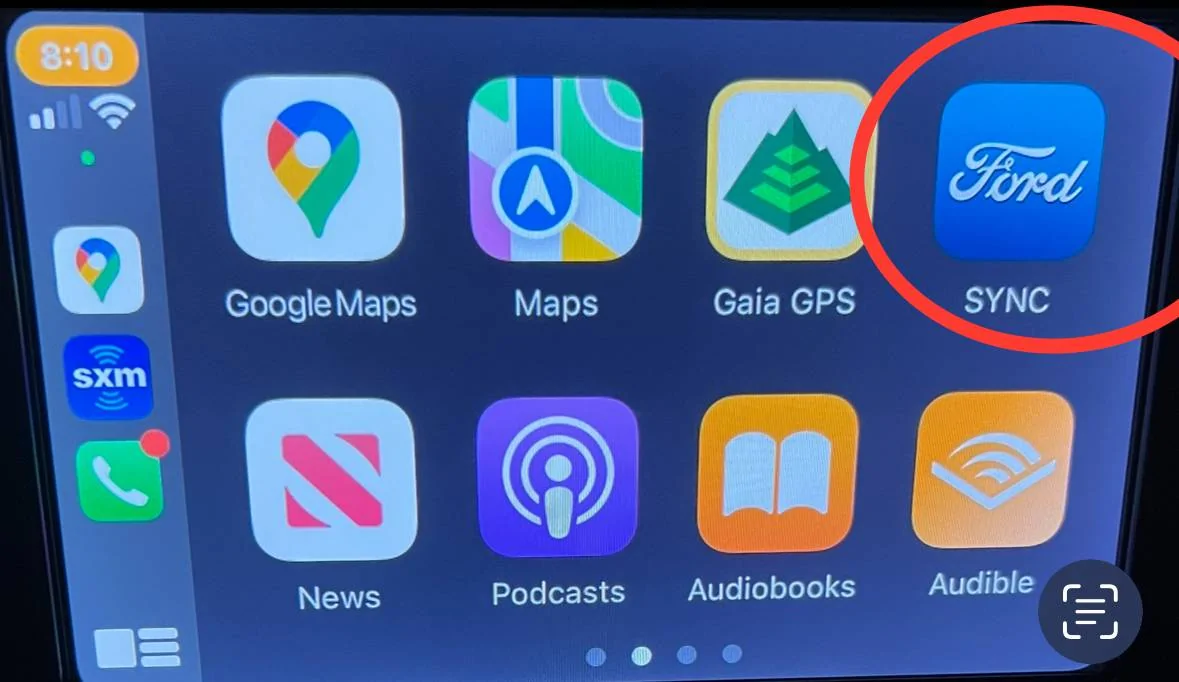
Post a pic please, for example using CarPlay the Ford Sync button looks like this but maybe you use Android AutoFord sync is gone from screen how do I get it back
Last edited:
- Thread starter
- #4
I use an iPhone and Ford Sync is gone. I can attach iPhone and get to apps on phone but to get to Sirrus for example I have to disconnect the phone. On no screen does For Sync show up.
I removed my iPhone 8 and reconnected via Bluetooth as well.
I can deal with it but don’t understand what changed.
Per the other post I did pres the button suggested, it changed
Screen but didn’t bring back the screen with Ford Sync, just a clock or blank.
here are my screens

I removed my iPhone 8 and reconnected via Bluetooth as well.
I can deal with it but don’t understand what changed.
Per the other post I did pres the button suggested, it changed
Screen but didn’t bring back the screen with Ford Sync, just a clock or blank.
here are my screens
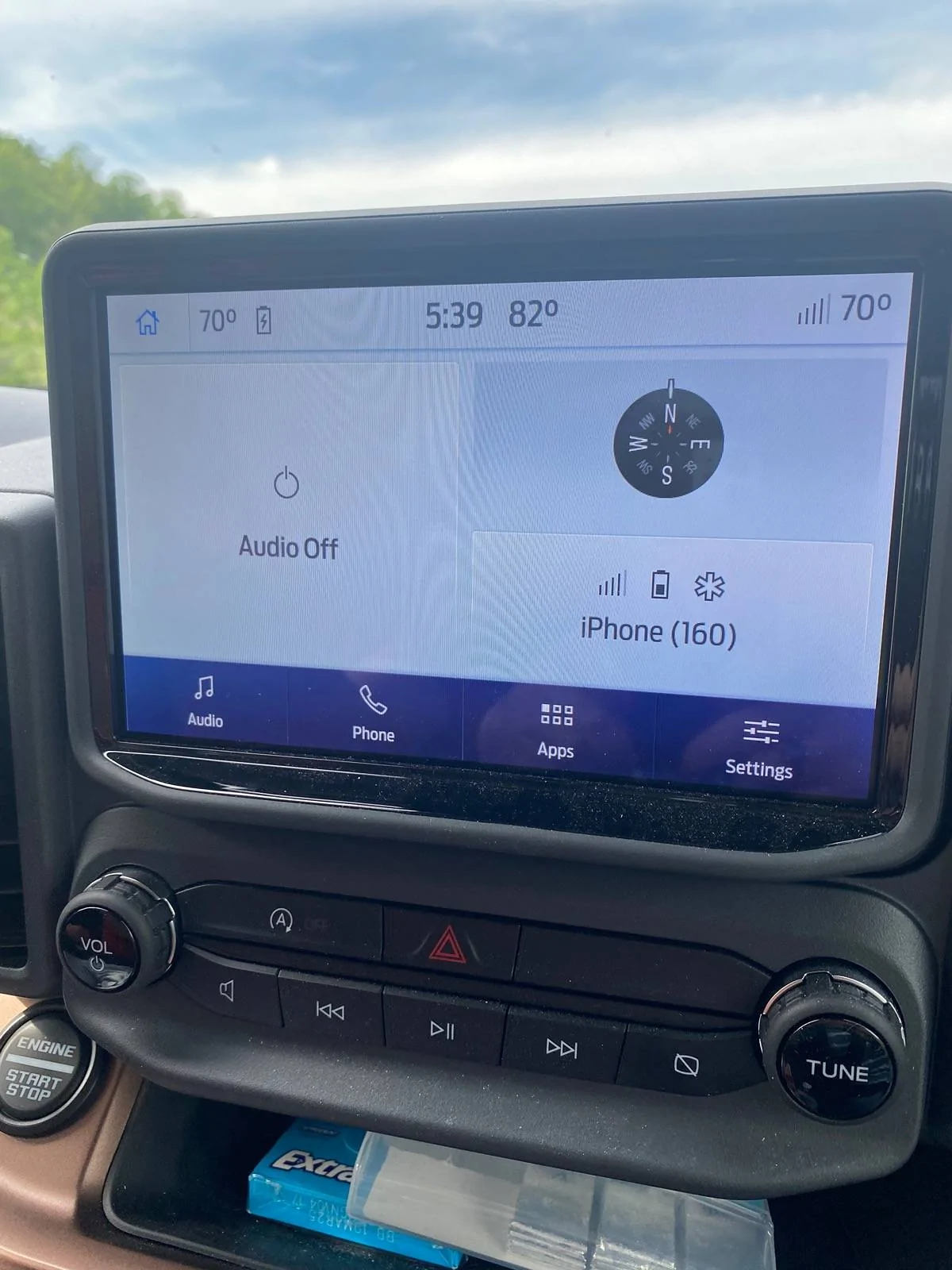
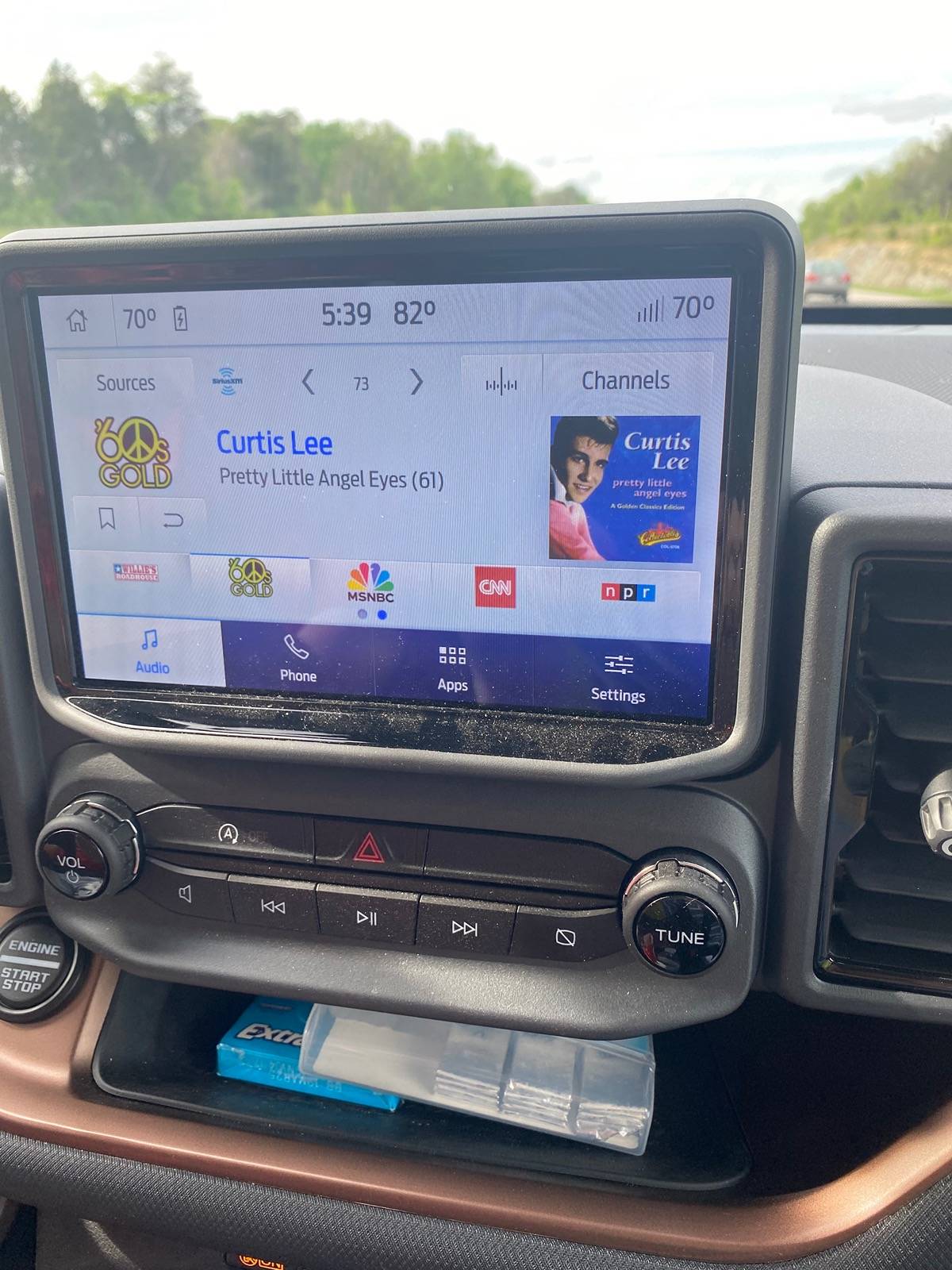
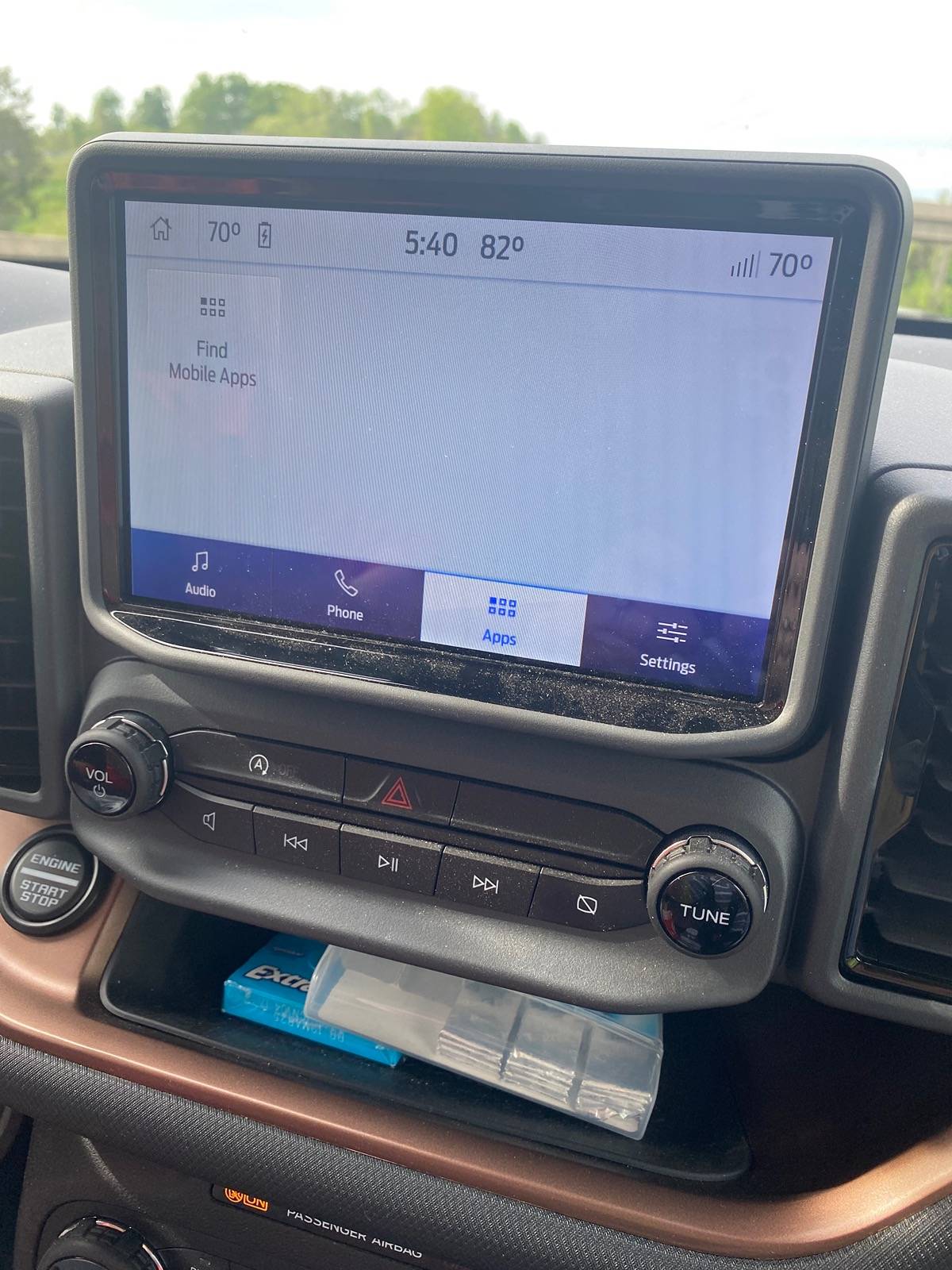
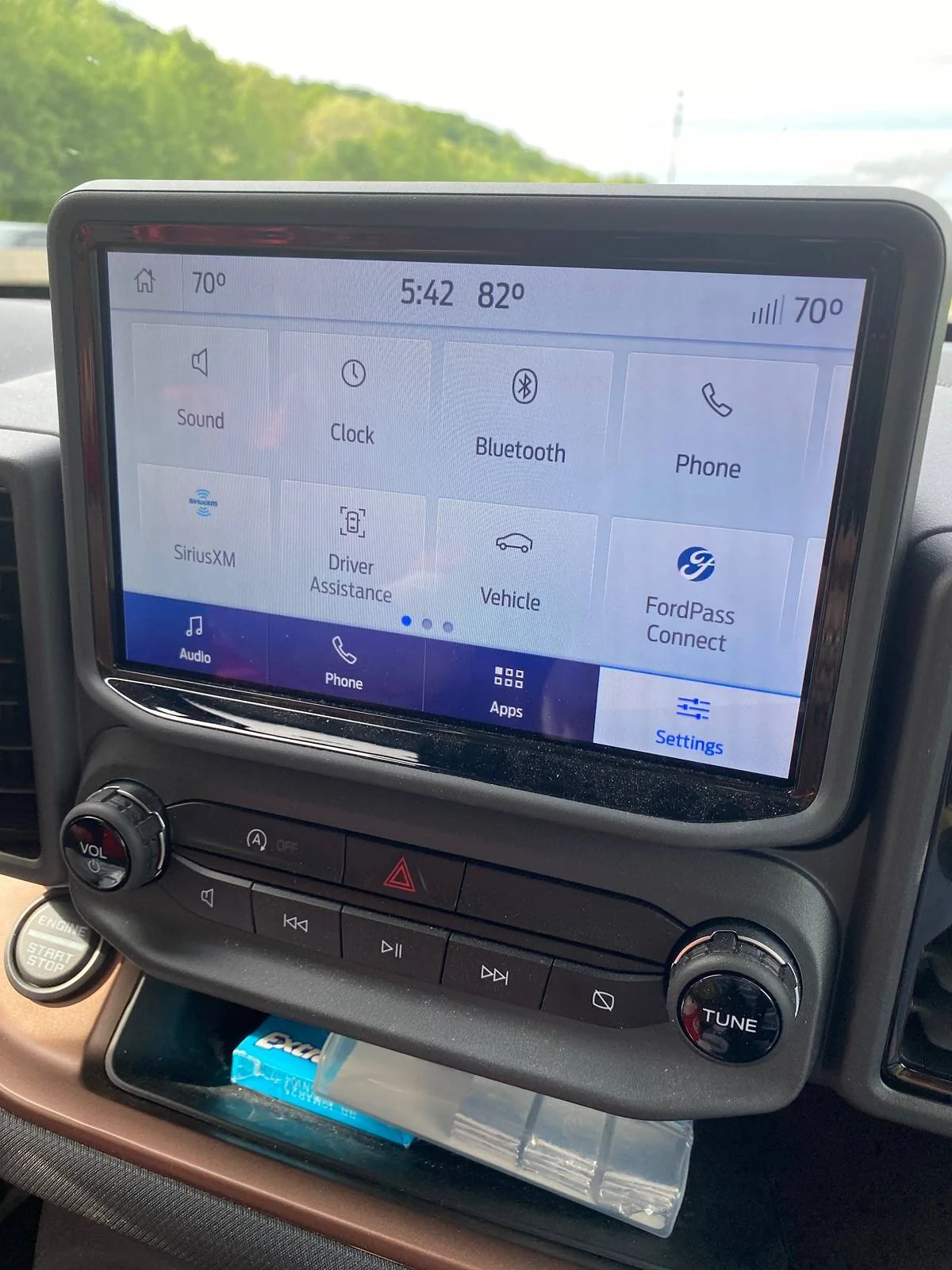
@Kozz as far as the 4 screens you posted nothing changed there - all 4 are the Sync screens
With your iPhone I think you are referring to use of CarPlay - see the CarPlay screen I posted in Post #3 where Ford Sync is circled?
If you are not seeing the CarPlay screen …
1. Make sure you are using an Apple certified USB Cable and are plugging your iPhone into one of the USB Ports below the 8” Display. With your vehicle running or in Accessory mode, plug in your iPhone and CarPlay should come up.
If you cannot get CarPlay to come up, you can:
Unplug your iPhone and power down the iPhone
Remove your iPhone using Settings on the 8” Display
Power up the iPhone (do not plug it in)
You should then be able to re-pair your iPhone to Sync (which is over Bluetooth)
Once that is done, plug in your iPhone and CarPlay prompt should come up
There are other things to try like making sure your iPhone is up-to-date (iOS 17.4.1 or latest), make sure Sync is up-to-date (currently 23188 or later)
Then post more info regarding what happened when you tried the above.
With your iPhone I think you are referring to use of CarPlay - see the CarPlay screen I posted in Post #3 where Ford Sync is circled?
If you are not seeing the CarPlay screen …
1. Make sure you are using an Apple certified USB Cable and are plugging your iPhone into one of the USB Ports below the 8” Display. With your vehicle running or in Accessory mode, plug in your iPhone and CarPlay should come up.
If you cannot get CarPlay to come up, you can:
Unplug your iPhone and power down the iPhone
Remove your iPhone using Settings on the 8” Display
Power up the iPhone (do not plug it in)
You should then be able to re-pair your iPhone to Sync (which is over Bluetooth)
Once that is done, plug in your iPhone and CarPlay prompt should come up
There are other things to try like making sure your iPhone is up-to-date (iOS 17.4.1 or latest), make sure Sync is up-to-date (currently 23188 or later)
Then post more info regarding what happened when you tried the above.
- First Name
- Kris
- Joined
- Mar 16, 2022
- Threads
- 50
- Messages
- 898
- Reaction score
- 2,579
- Location
- North Carolina
- Vehicle(s)
- 2022 Bronco Sport Badlands
I think you're referring to CarPlay. Android Auto disappeared from mine this morning, despite my phone being plugged in and charging. I restarted my phone and the car but nothing worked. Android Auto suddenly came back without additional fixes when I went to lunch. Seems like there was some sort of update or bug fix they sent out.

- First Name
- Kevin
- Joined
- Mar 16, 2023
- Threads
- 55
- Messages
- 2,494
- Reaction score
- 3,706
- Location
- Gainesville
- Vehicle(s)
- 2023 Ford Bronco Sport Outer Banks Area51
I'd be concerned if I could not get any music out of the radio. All the fluff and foo foo icons give me a headache.
Then I wander over to the 67 Camaro. I turn the left knob to right and the radio comes on. If I don't like the music on its current station, I press one of the other 4 preset black buttons. Simple, and I don't need an IT degree to operate it.
And I'm pretty sure GM is no longer offering software downloads for its radio.
To the OP, I hope you figure it out. Good tips here, and others will chime in if not.
Then I wander over to the 67 Camaro. I turn the left knob to right and the radio comes on. If I don't like the music on its current station, I press one of the other 4 preset black buttons. Simple, and I don't need an IT degree to operate it.
And I'm pretty sure GM is no longer offering software downloads for its radio.
To the OP, I hope you figure it out. Good tips here, and others will chime in if not.
- First Name
- Stew
- Joined
- May 6, 2024
- Threads
- 2
- Messages
- 60
- Reaction score
- 83
- Location
- Washington Stae
- Vehicle(s)
- 2024 Bronco Sport
I got bit by this 3 days ago. I freaked abit ... buying new cables, cursing my brand new BS (~200 miles on it). Then I decided to do some basic troubleshooting - grabbed my wifes phone, worked perfect. So I knew it was my phone .. did updates .. bingo working like a charm now.I think you're referring to CarPlay. Android Auto disappeared from mine this morning, despite my phone being plugged in and charging. I restarted my phone and the car but nothing worked. Android Auto suddenly came back without additional fixes when I went to lunch. Seems like there was some sort of update or bug fix they sent out.
- Thread starter
- #10
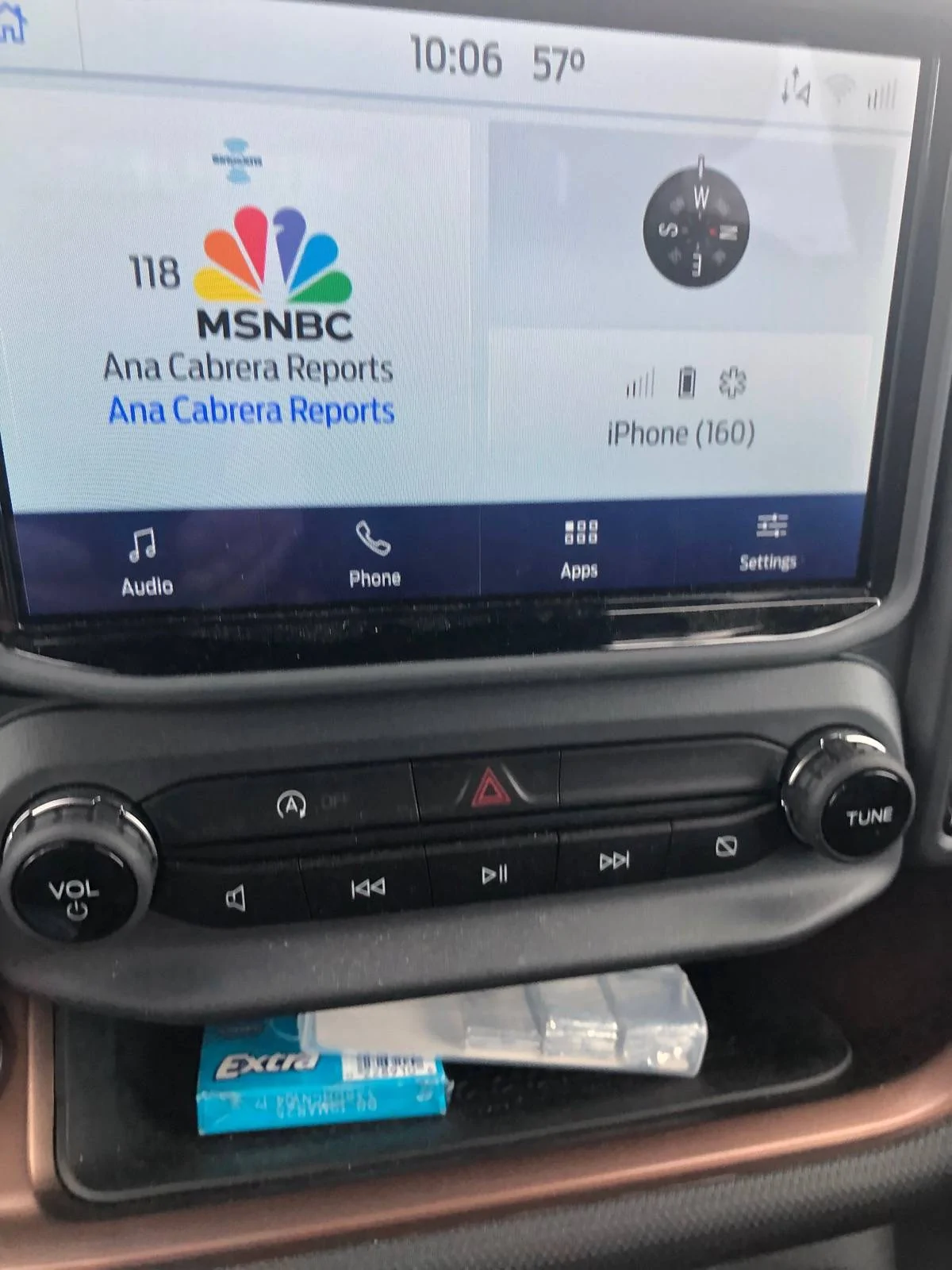
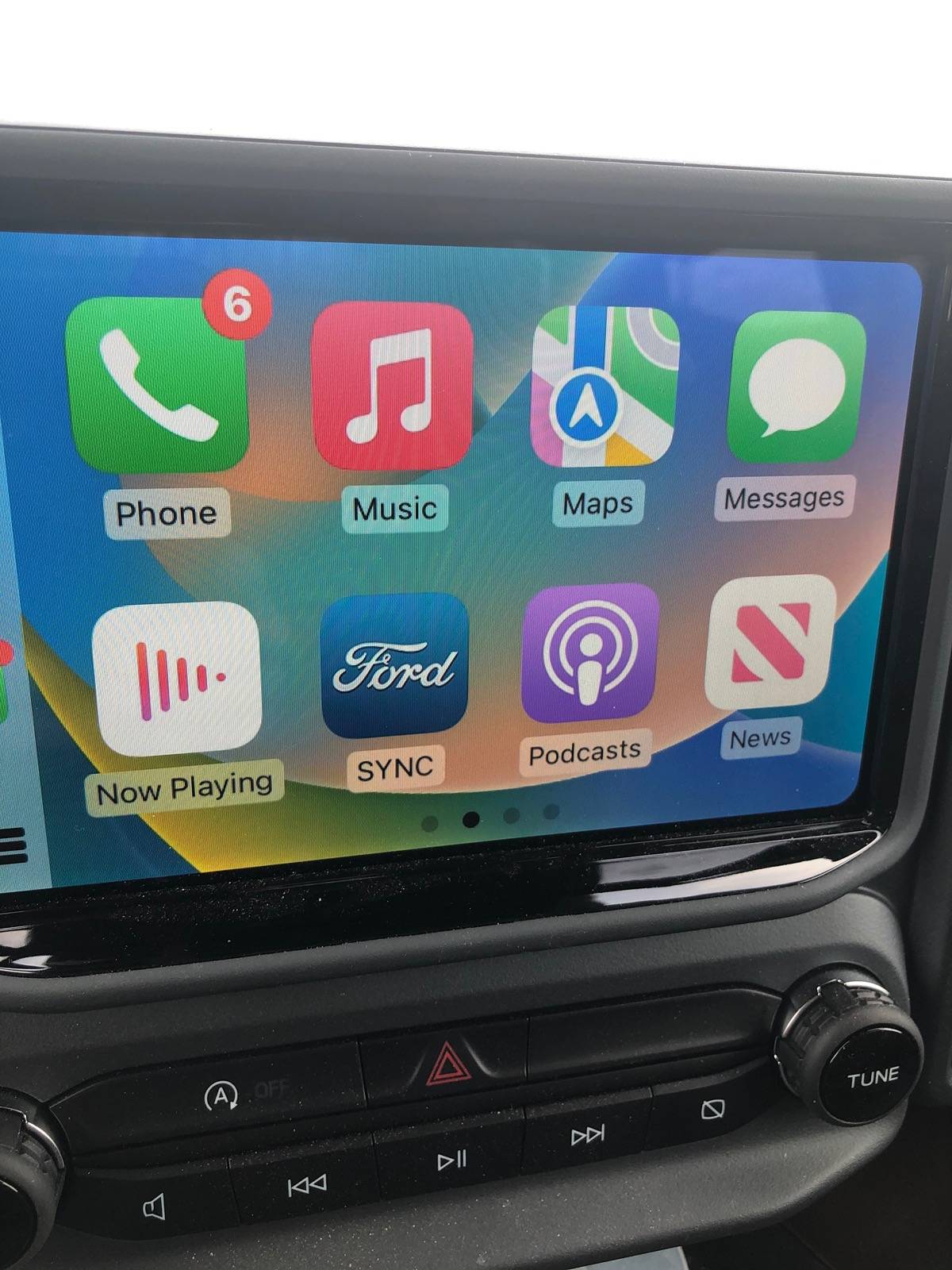
Well tried an certified iPhone cable and we have progress. Not sure I am back to where it used to be (Home Screen still looks different) but Fordsync shows up ans Apple CarPlay when plugged in. I can now switch from map back to radio so I am good. Here is the screen shot. Thanks everyone for your input.
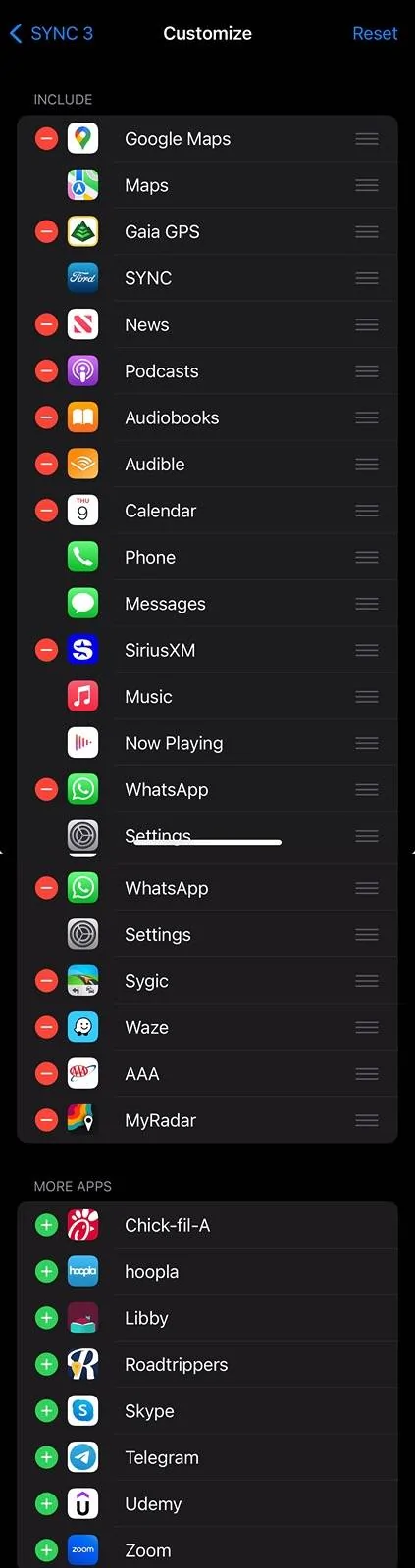
@Kozz to change what is shown on the vehicles CarPlay screen:
on your iPhone go to:
Settings > General > CarPlay then click on the name of your vehicle (mine is just the default SYNC 3) then click on Customize
You can order the items you wish to see and hide any you don’t want to be displayed. For example the pic shows mine:

on your iPhone go to:
Settings > General > CarPlay then click on the name of your vehicle (mine is just the default SYNC 3) then click on Customize
You can order the items you wish to see and hide any you don’t want to be displayed. For example the pic shows mine:
Sponsored