Ford App not working (iPhone)

BabyBen

Big Bend
Member
First Name
Tom
Joined
May 7, 2021
Threads
1
Messages
17
Reaction score
24
Location
Spring Hill, FL
Vehicle(s)
2021 Bronco Sport
On my iphone I had to uninstall the app and then reload it and sign in. Works now
Sponsored


 

Dude

Badlands
Well-Known Member
Joined
Sep 20, 2022
Threads
107
Messages
4,286
Reaction score
4,916
Location
Arizona
Vehicle(s)
2022 Bronco Sport Badlands
On my iphone I had to uninstall the app and then reload it and sign in. Works now
Yep seems to be a variety of solutions that works depending on the circumstances (captured in Post #5). So far it seems that almost everyone has the FordPass App working on their iPhone.
 
Last edited:

rootdoc

Big Bend
Well-Known Member
First Name
Peter
Joined
Feb 21, 2022
Threads
5
Messages
266
Reaction score
396
Location
South Carolina
Vehicle(s)
Bronco sport
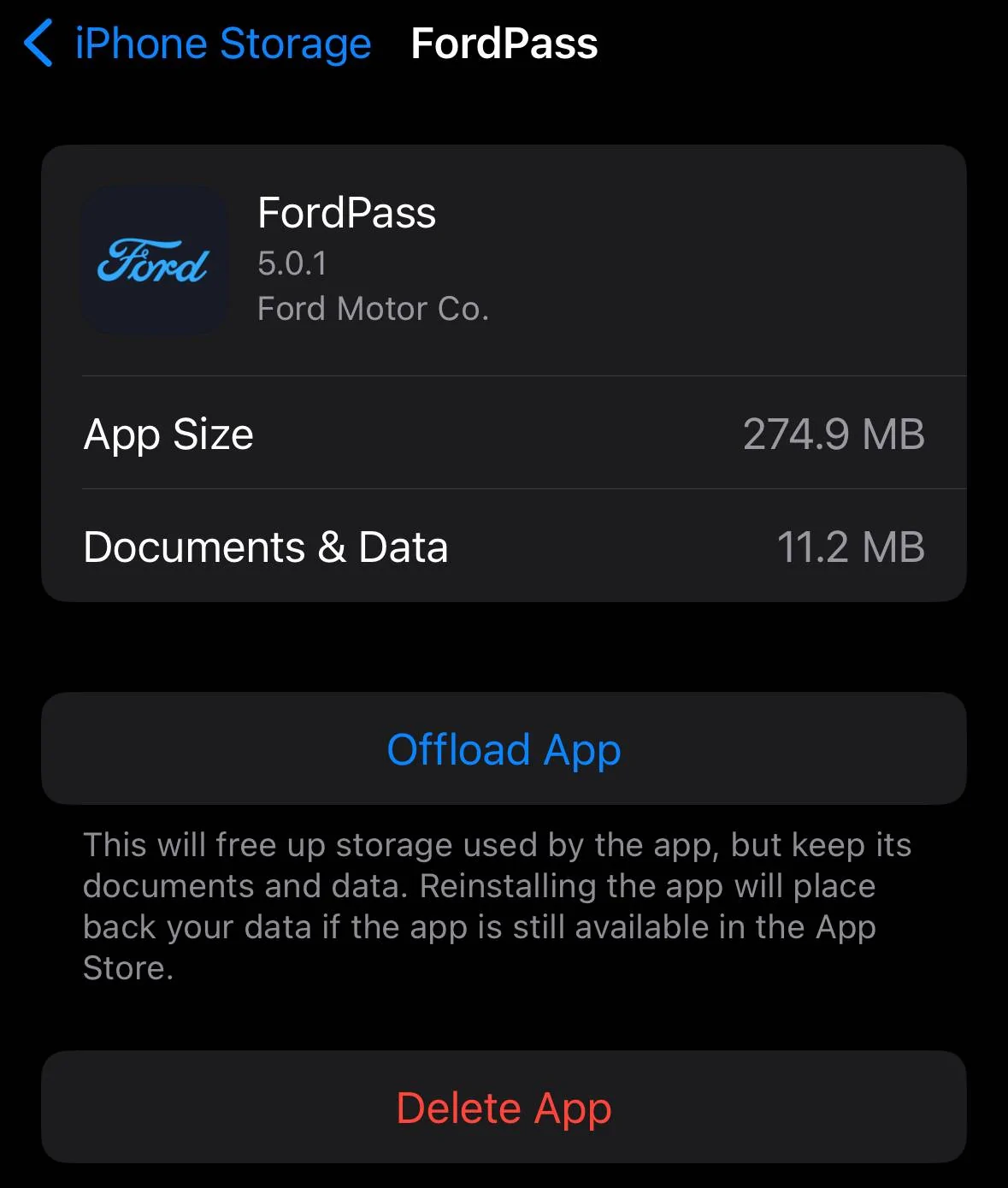
iphone software is updated to 17.5.1, updated 5.0.1 Fordpass app is installed. Storage on iphoneSE still has 8GB open after installing FordPass app. And yet I still get the white screen when accessing the app.
Is it just that the older model iphone can't handle newer software?
 

Dude

Badlands
Well-Known Member
Joined
Sep 20, 2022
Threads
107
Messages
4,286
Reaction score
4,916
Location
Arizona
Vehicle(s)
2022 Bronco Sport Badlands
iphone software is updated to 17.5.1, updated 5.0.1 Fordpass app is installed. Storage on iphoneSE still has 8GB open after installing FordPass app. And yet I still get the white screen when accessing the app.
Is it just that the older model iphone can't handle newer software?
Do you have a 64G iPhone SE? Ask @Bucko which iPhone his wife has.

SE 2nd and 3rd Gen are both supported for many more years. So no reason FordPass App shouldn’t work.

App doesn’t take much space itself as you can see from my pic.

Please post a pic of your Sync screen (black out your VIN) so we can see the Sync version currently installed. Don’t scan for Sync updates or use the Ford website to check.

If you have Sync 23188 perhaps next step is to call this Ford # and get a case created: +1 (833) 389-0848

Ford Bronco Sport Ford App not working (iPhone) IMG_4704
 

Dude

Badlands
Well-Known Member
Joined
Sep 20, 2022
Threads
107
Messages
4,286
Reaction score
4,916
Location
Arizona
Vehicle(s)
2022 Bronco Sport Badlands
Last edited:


Dude

Badlands
Well-Known Member
Joined
Sep 20, 2022
Threads
107
Messages
4,286
Reaction score
4,916
Location
Arizona
Vehicle(s)
2022 Bronco Sport Badlands
Last edited:

Dude

Badlands
Well-Known Member
Joined
Sep 20, 2022
Threads
107
Messages
4,286
Reaction score
4,916
Location
Arizona
Vehicle(s)
2022 Bronco Sport Badlands
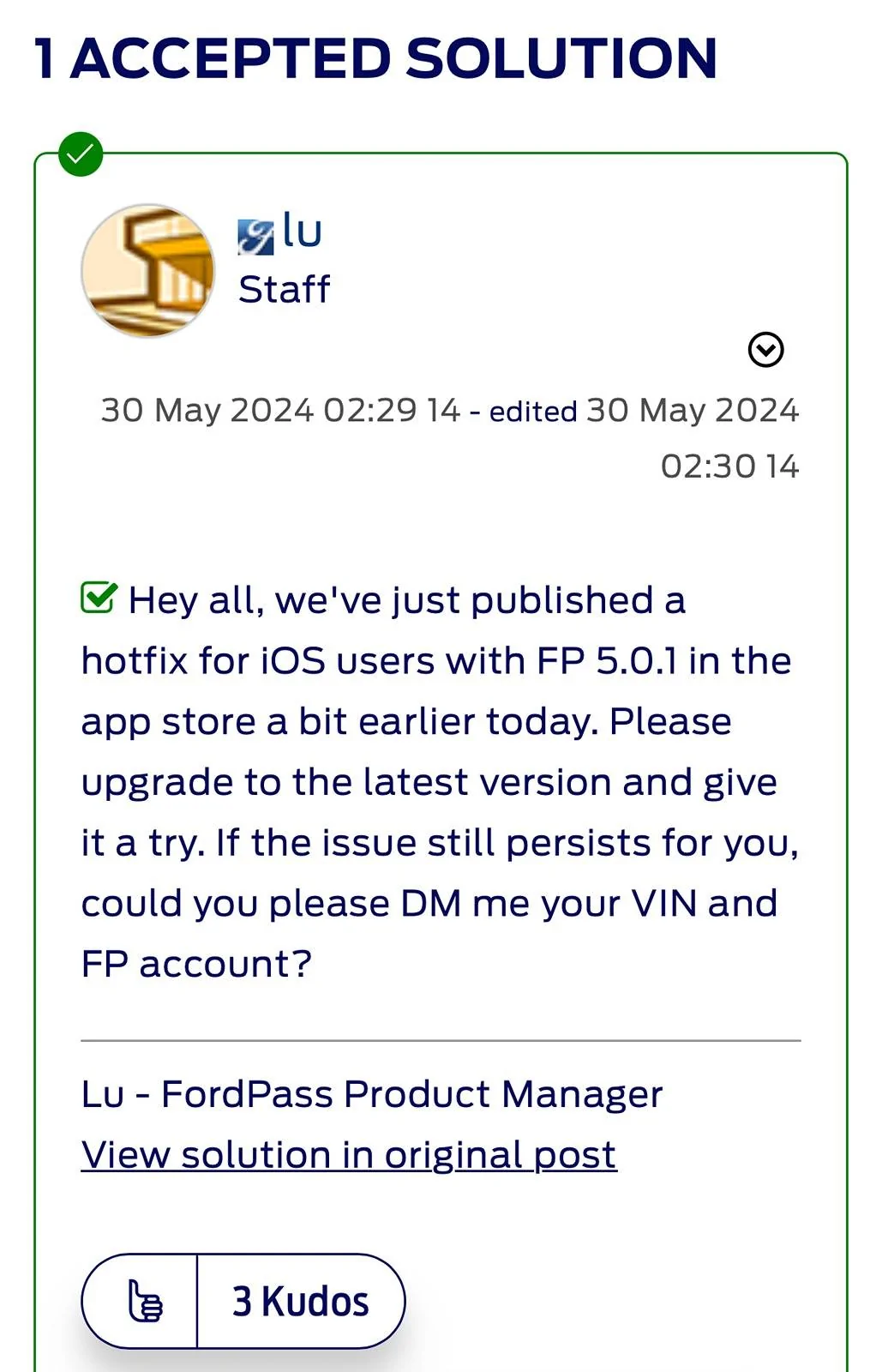
More info, on FordPass Community I see these updates:

https://fpcommunity.ford.com/t5/Chat/New-5-0-Update-App-doesn-t-get-past-blank-white-screen/m-p/14952#M2833

01 June 2024 11:52 11 - edited ā€Ž01 June 2024 11:53
ā€œFordPass App v5.0.1 fixed the issue where remote controls like lock/unlock/remote start/climate didn’t load. Unfortunately, that doesn’t fix the issue where the entire screen is blank. The team is actively investigating the issue. Sharing your VIN and account info would help us gather more data to triage the issue more effectively. I will provide an update once a root cause is identified and a fix is available. I am very sorry about the trouble.ā€

04 June 2024 01:28 13
ā€œFor those who have shared Vin and account information with me, thank you so much for the information.

We believe we have a fix for this issue (where the entire screen is blank.). If you are comfortable and willing, we could invite you to the testFlight to give that update a try to verify that the issue has been fixed for you personally before we release it to general public.

If you are willing to give it a try, could you please DM the email you'd like to use to receive a TestFlight invite? Thank you for your help and patience as we work through the issue.ā€

04 June 2024 08:46 20
ā€œThank you all so much for sharing the emails. We are really grateful and appreciate it. We are targeting to release a TestFlight build tomorrow (to fix issue where the entire screen is blank).. I will keep all of you informed here.ā€

Remember … these are on FordPass Community:

https://fpcommunity.ford.com/t5/Chat/New-5-0-Update-App-doesn-t-get-past-blank-white-screen/m-p/14952#M2833
 
Last edited:

rootdoc

Big Bend
Well-Known Member
First Name
Peter
Joined
Feb 21, 2022
Threads
5
Messages
266
Reaction score
396
Location
South Carolina
Vehicle(s)
Bronco sport
Yesterday I called the FordPass assistance line. The tech support person didn't have any updated news other than they know there are some problems with the app and that the app engineers are working on it. The tech support person directed me to the In-Vehicle Technology dept. for some of my other questions regarding Sync3. The In-Vehicle Technical Assistance rep was extremely helpful, and even advised me on a work around for the FordPass app.
Go through the steps again to delete the app from you phone. Go to your phone settings and adjust text size to the smallest size. Then reinstall the FordPass app on your phone.
Voila! I'm finally able to open the ForPass app!

 

Dude

Badlands
Well-Known Member
Joined
Sep 20, 2022
Threads
107
Messages
4,286
Reaction score
4,916
Location
Arizona
Vehicle(s)
2022 Bronco Sport Badlands
Yesterday I called the FordPass assistance line. The tech support person didn't have any updated news other than they know there are some problems with the app and that the app engineers are working on it. The tech support person directed me to the In-Vehicle Technology dept. for some of my other questions regarding Sync3. The In-Vehicle Technical Assistance rep was extremely helpful, and even advised me on a work around for the FordPass app.
Go through the steps again to delete the app from you phone. Go to your phone settings and adjust text size to the smallest size. Then reinstall the FordPass app on your phone.
Voila! I'm finally able to open the ForPass app!
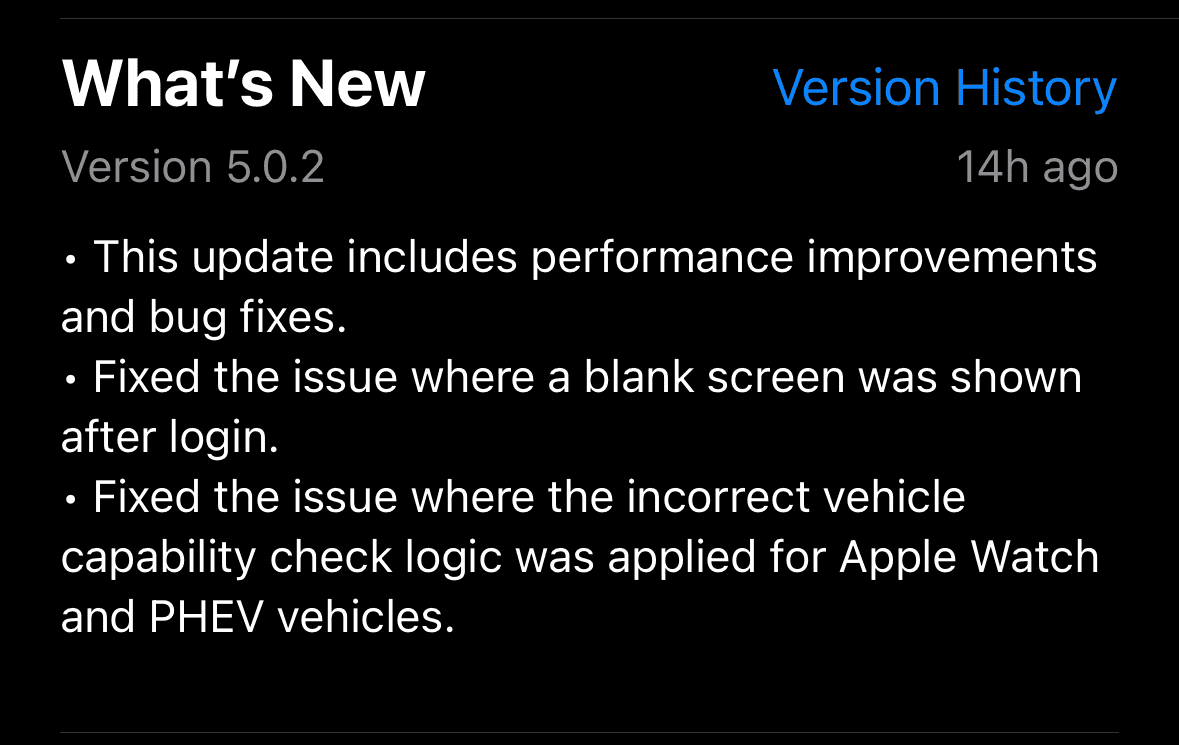
That must be the App fix for iPhones made yesterday by the FordPass team. It’s available on their TestFlight server by email invite but I’m sure they will release the v5.0.2 or latest to Apple App Store soon.

glad you found a workaround for now!
 

Bucko

Outer Banks
Well-Known Member
First Name
Kevin
Joined
Mar 16, 2023
Threads
55
Messages
2,494
Reaction score
3,706
Location
Gainesville
Vehicle(s)
2023 Ford Bronco Sport Outer Banks Area51
Do you have a 64G iPhone SE? Ask @Bucko which iPhone his wife has.

SE 2nd and 3rd Gen are both supported for many more years. So no reason FordPass App shouldn’t work.

App doesn’t take much space itself as you can see from my pic.

Please post a pic of your Sync screen (black out your VIN) so we can see the Sync version currently installed. Don’t scan for Sync updates or use the Ford website to check.

If you have Sync 23188 perhaps next step is to call this Ford # and get a case created: +1 (833) 389-0848

Ford Bronco Sport Ford App not working (iPhone) IMG_4704
Her phone is the 14 model.


Bucko

Outer Banks
Well-Known Member
First Name
Kevin
Joined
Mar 16, 2023
Threads
55
Messages
2,494
Reaction score
3,706
Location
Gainesville
Vehicle(s)
2023 Ford Bronco Sport Outer Banks Area51
Everything now works with the 5.02 release except we no longer can see the owners manual. We used to be able to see that.

 

Dude

Badlands
Well-Known Member
Joined
Sep 20, 2022
Threads
107
Messages
4,286
Reaction score
4,916
Location
Arizona
Vehicle(s)
2022 Bronco Sport Badlands


Top